NASCAR · Optimizer guide
NASCAR optimizer: driver rules, exposure and lineup review
Use the Cup, O’Reilly and Trucks builders to translate race research into driver counts, groups and exposure limits.
This guide and its screenshots are public. Tool access depends on your membership. Screenshots show interface examples; data and available slates change.
Choose the series before touching the rules
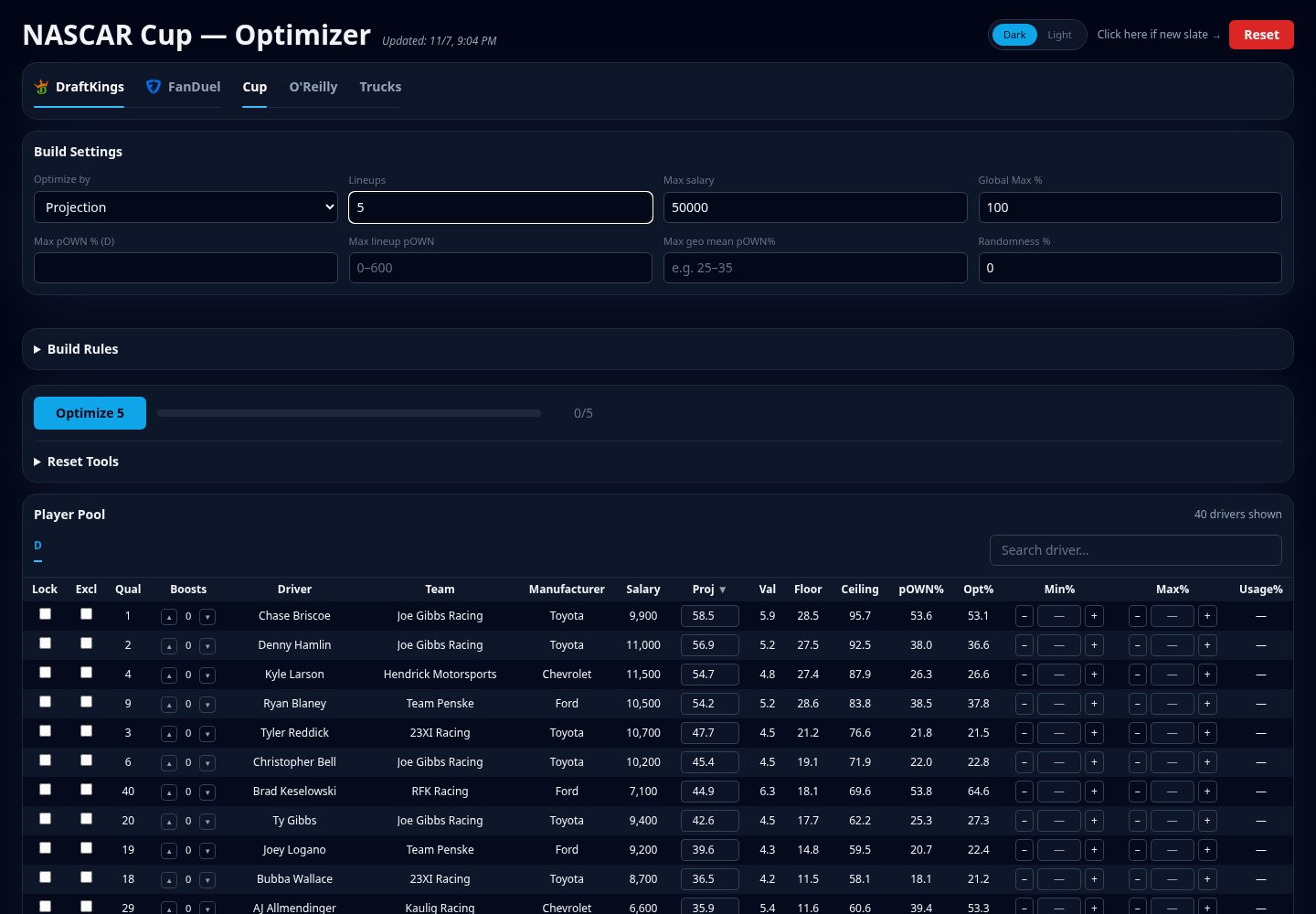
Cup, O’Reilly Series and Trucks have separate driver pools. Open the builder for the race you intend to play, choose DK or FD, and check the projection update and qualifying information. Do not carry a driver assumption from one series into another.
- Start with Projection, 5 lineups and Randomness % at 0. Leave optional ownership limits blank for the first build.
- Check each driver’s salary, starting position and projection. Exclude drivers you will not use.
- Build a small set, then review which drivers the projection favors before setting tighter usage limits.
Turn a race idea into one rule
Driver Groups can express at least, at most or exactly a selected number from a named set of drivers. Use starting-position rules only when valid qualifying positions are available. They cannot rescue missing qualifying data.
For example, if your research identifies four possible lap leaders and you want no more than two in a lineup, create an At Most 2 group containing those four. That limits only that group. It does not identify every possible lap leader for you.
Conditional rules and group rules can overlap. Add one at a time and check the resulting driver combinations. Avoid requiring a group minimum that exceeds the number of eligible drivers left in the pool.
Limit combinations as well as individuals
Driver Pair Caps limit how often a specific pair appears together across the build. Two drivers can each be acceptable at 50% exposure while their pairing is still more concentrated than you intended.
In 20 lineups, a 25% pair cap allows that pair in at most five lineups, subject to the solver’s whole-lineup handling. Compare the pairing table with the individual exposure table. A cap is a ceiling; the builder may use the pair less often or never.
Use pace and starting position together
A driver starting deep in the field may have place-differential upside, but start position alone does not establish speed or finishing reliability. Use Loop Data Explorer for the relevant history and Race Hub to investigate why a prior race ended badly.
For potential dominators, review laps led and fastest laps alongside running position and race context. A group labeled with your dominator candidates is a way to express your judgment, not an automatic classification supplied by the optimizer.
Review the whole set
- Check whether the build completed and read any early-stop message.
- Review individual exposures, Driver Pair Caps, top two- and three-driver pairings, and starting-position concentration.
- Compare the lineup cards: are you really making different race assumptions, or changing only the final low-salary driver?
- Use the matching series contest simulator to test the set against a modeled field.
- Export the correct site-ID CSV after the final pool and qualifying check.
Questions
Where are the other series builders?
Use the series links on the NASCAR overview: Cup, O’Reilly and Trucks each have an optimizer and contest simulator.
Does randomness make the lineup set safer?
It changes the build inputs. Review the actual driver and pair exposures; a higher setting does not promise lower risk.
Continue with NASCAR
Use the NASCAR tools overview to find the related research and lineup tools, or check the update schedule before starting a new slate.
Related walkthroughs
NASCAR · Research
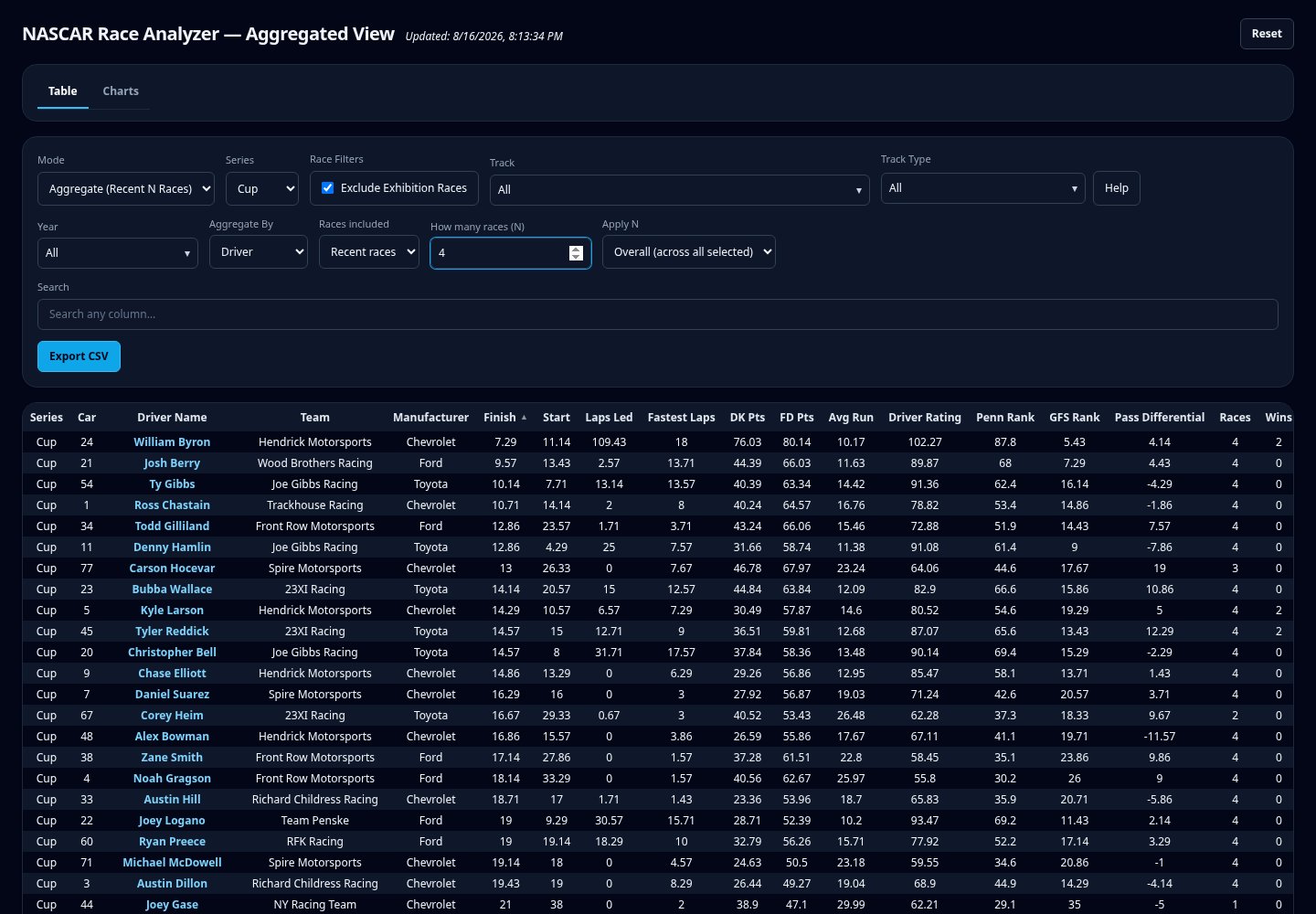
Loop Data Explorer: compare speed, results and recent form
Build a comparable race sample, aggregate by driver, car or team, and investigate the results that an average can hide.
NASCAR · Research
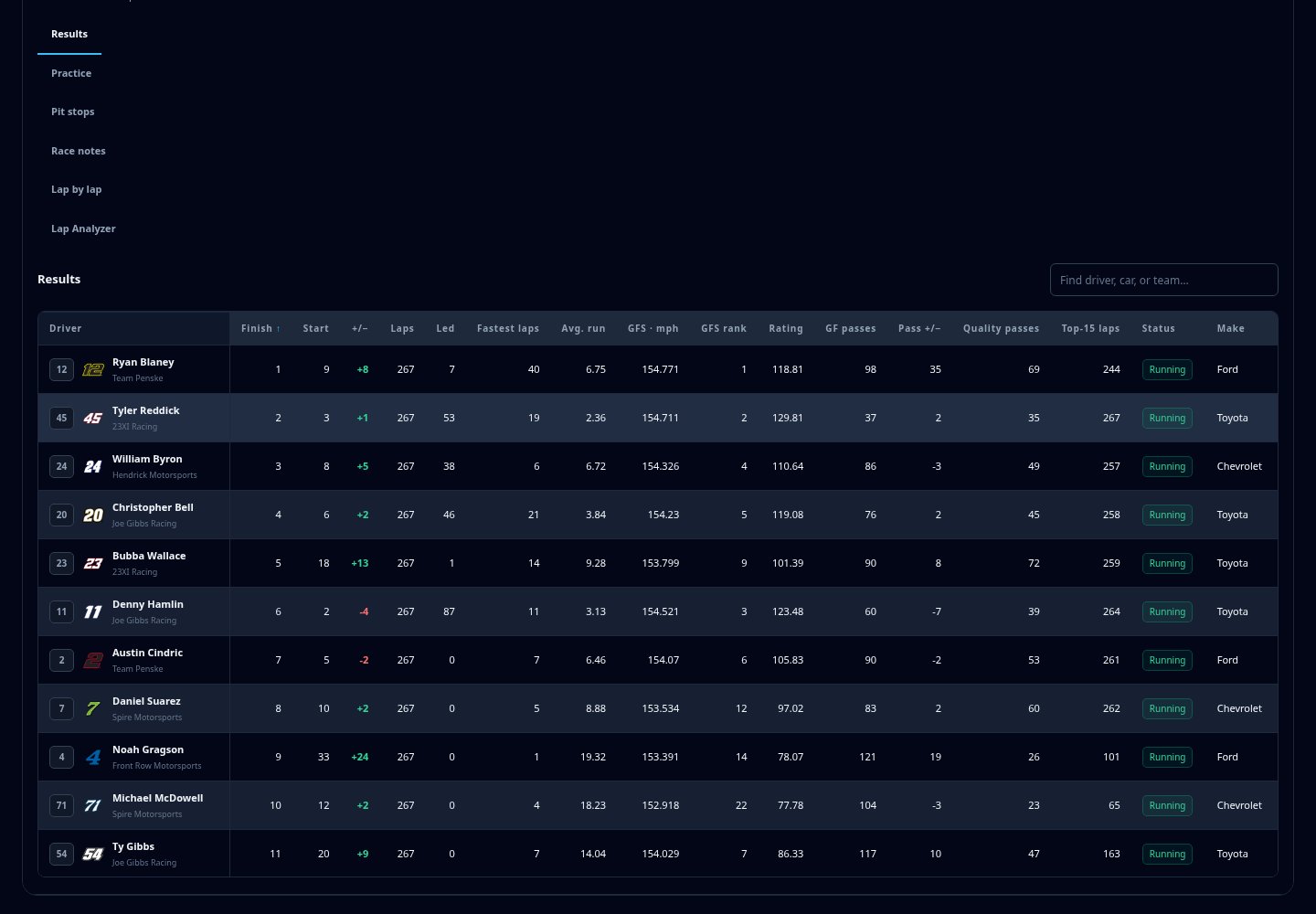
NASCAR Race Hub: investigate a race beyond the finish
Use results, practice, pit stops, race notes and lap analysis to explain what happened before changing a driver assumption.
NASCAR · Contest simulator
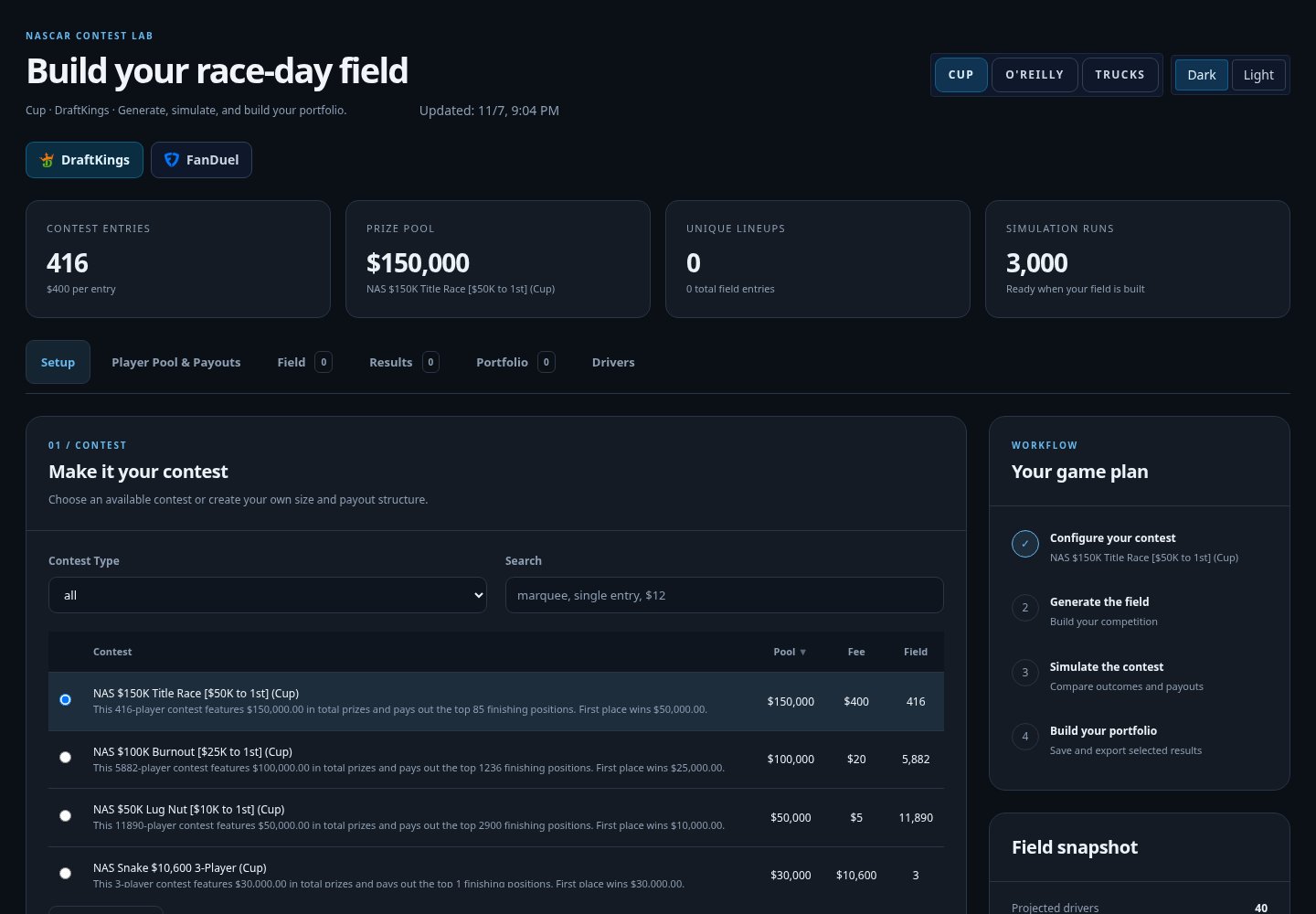
NASCAR contest simulator: build the field and review a portfolio
Use contest payouts, field assumptions and driver exposure to compare lineup sets for Cup, O’Reilly and Trucks.