NASCAR · Research guide
NASCAR Race Hub: investigate a race beyond the finish
Use results, practice, pit stops, race notes and lap analysis to explain what happened before changing a driver assumption.
This guide and its screenshots are public. Tool access depends on your membership. Screenshots show interface examples; data and available slates change.
Find the event you mean to study
Choose the series, season and track. Search by race, track or winner, then expand the race. Check the date and available-data indicators; a missing dataset should not be interpreted as an event that never happened.
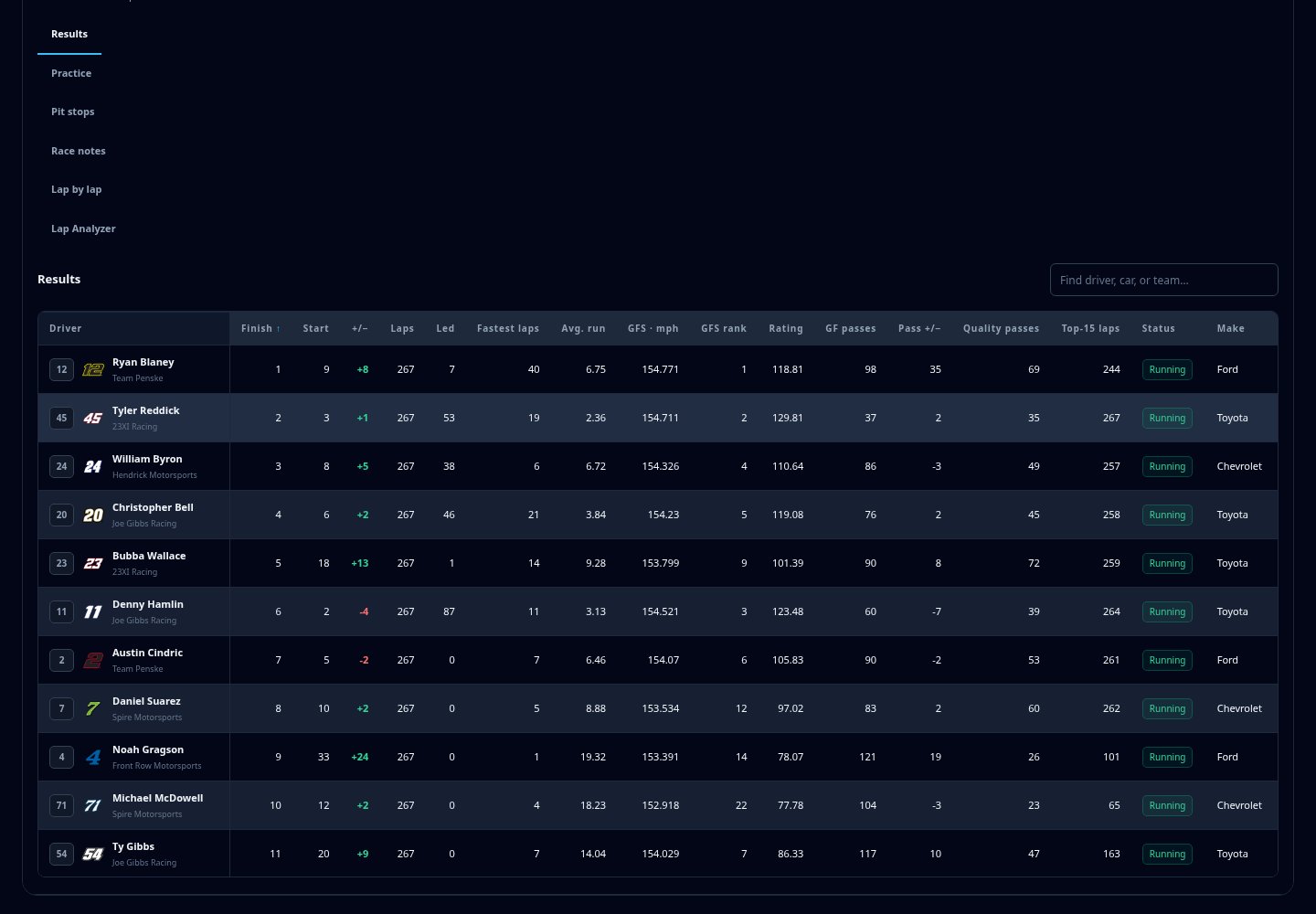
- Open Results and identify the driver or race outcome you want to explain.
- Compare the finish with running position and other available loop statistics.
- Use the detail tabs to investigate a specific question: pace, practice, pit stops or an incident.
Compare practice on like terms
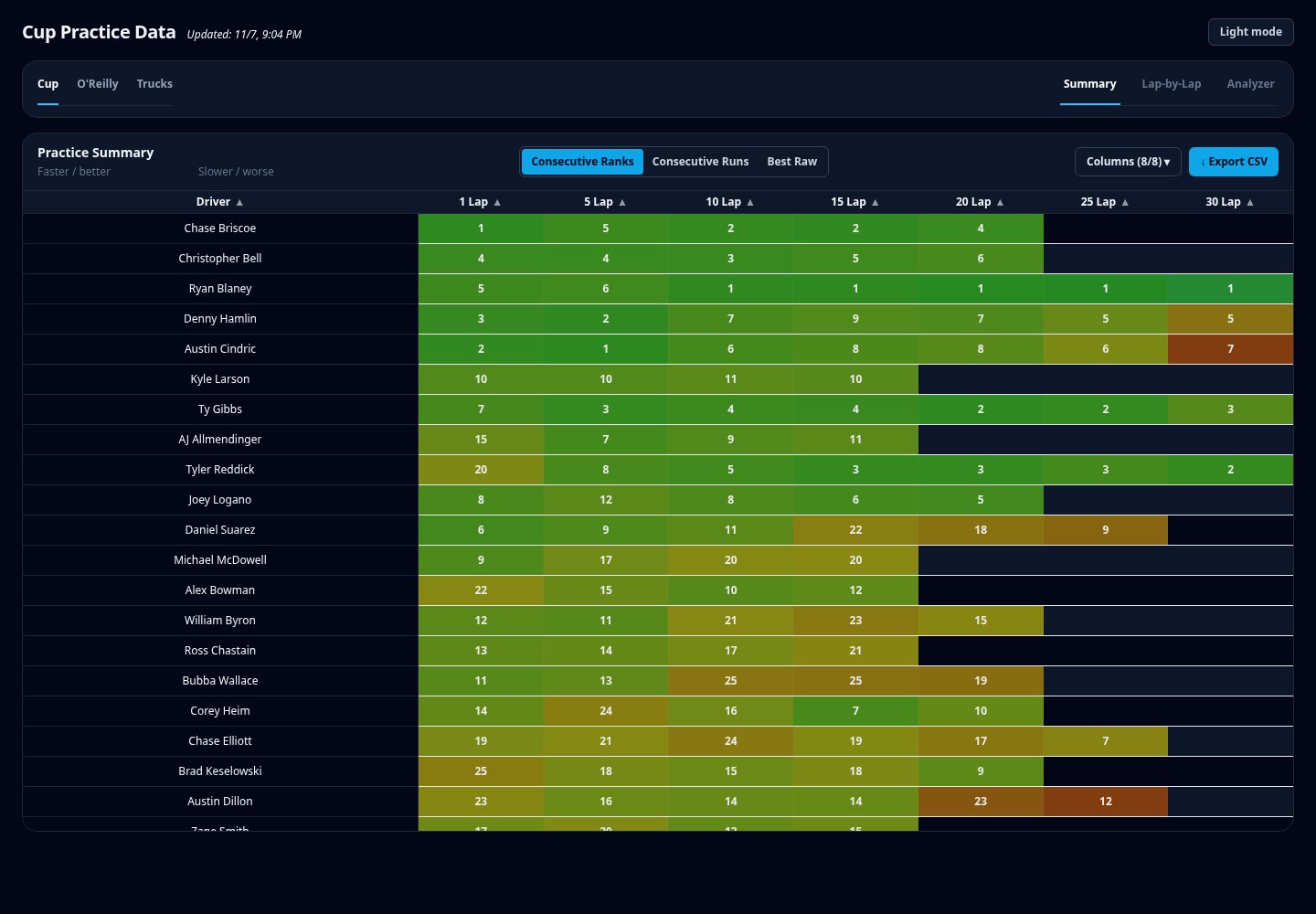
Practice offers Averages and Lap by lap. Start with the relevant Session in Averages. A single best lap and a sustained run average are different measurements; check the available lap counts and missing values.
In Lap by lap, select drivers, choose a metric and a manageable lap window, then switch to Line chart. The practice feed aligns each driver’s own completed lap number, not the same on-track time. It also does not identify the practice session for these lap records. Do not claim two drivers ran in identical track conditions just because their lines meet at lap 10.
Filter practice outlier laps uses each driver’s full-feed median with at least five valid laps. The filter affects the grid and chart; it does not rewrite the separate Practice averages. Turn it off to inspect excluded observations before relying on a cleaner-looking chart.
Use lap evidence to explain a result
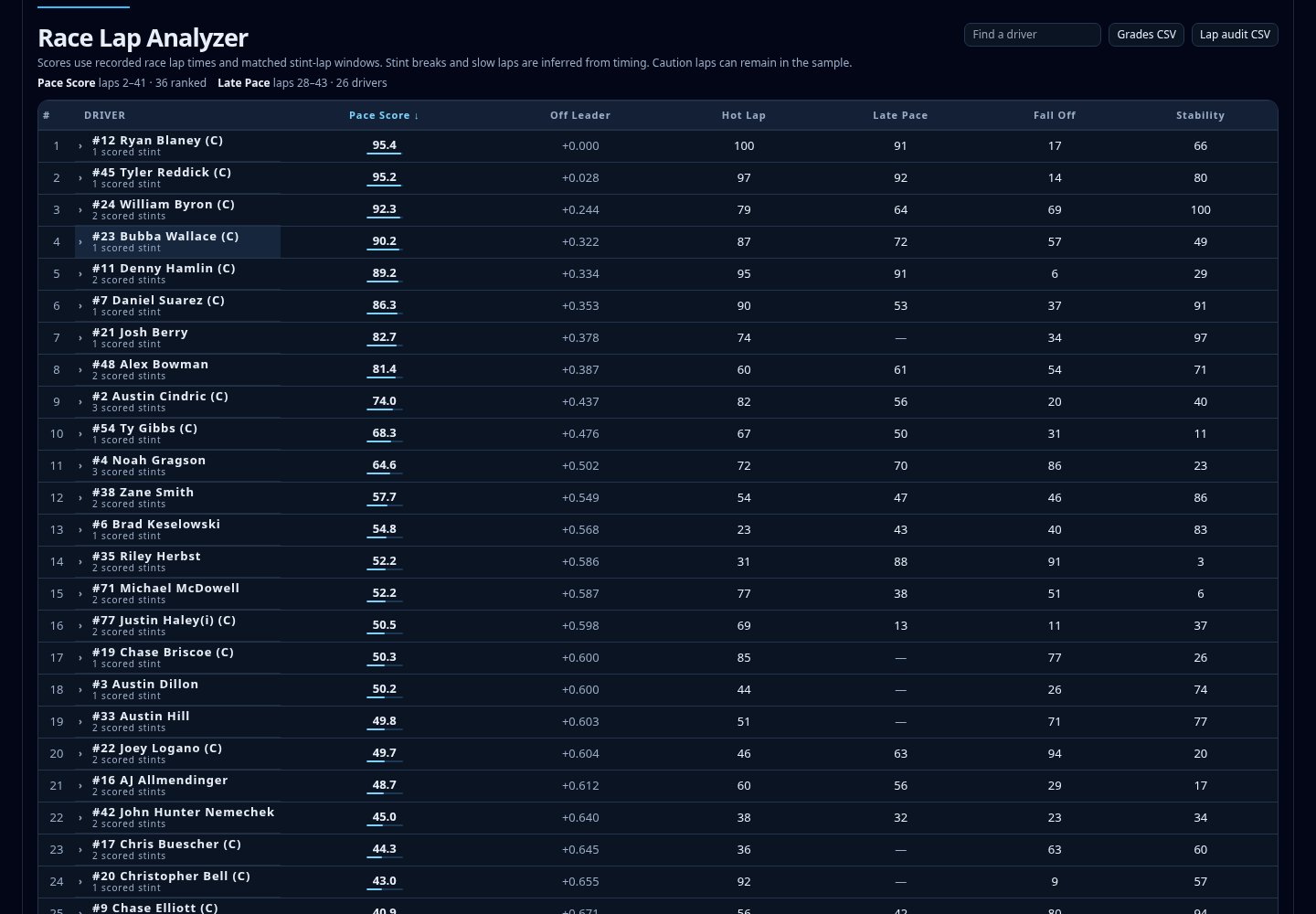
Lap by lap provides a grid and line chart with driver selection, metric and lap-window controls. Missing observations stay missing. Race laps align by the driver’s completed lap count, not synchronized leader lap.
Lap Analyzer adds pace and stint evidence. Inspect the stint coverage and tire assumptions before comparing rankings. Where you have reliable information, the stint override can identify fresh tires, omit used-tire stints or exclude a stint. A user-supplied tire choice changes the comparison; it is not a confirmed tire change discovered by the feed.
Compare pit stops with consistent filters
Pit stops defaults to four-tire services. Keep Service type and Entry flag consistent when comparing drivers. Driver averages and Individual stops offer different levels of detail; click a driver to open the pit-stop log.
Minimum stops to rank helps separate a small sample from a more established average. Exclude unusually long stops changes the sample. Review excluded events when a driver’s rank changes sharply. Box time is not a complete measure of every way a driver can gain or lose time around a stop.
Check the event before explaining it away
Search Race notes for the driver, an incident, penalty or restart. Use the flag and driver filters to narrow the list. A note can explain why a good running position became a poor finish, but not every loss of time will be documented in the same detail.
A useful sequence is: poor finish → running performance → lap or pit change → matching note. Keep the evidence with your conclusion. “Ran well until a late incident” is more useful than deleting that finish from the sample without an explanation.
Take one specific finding back to the build
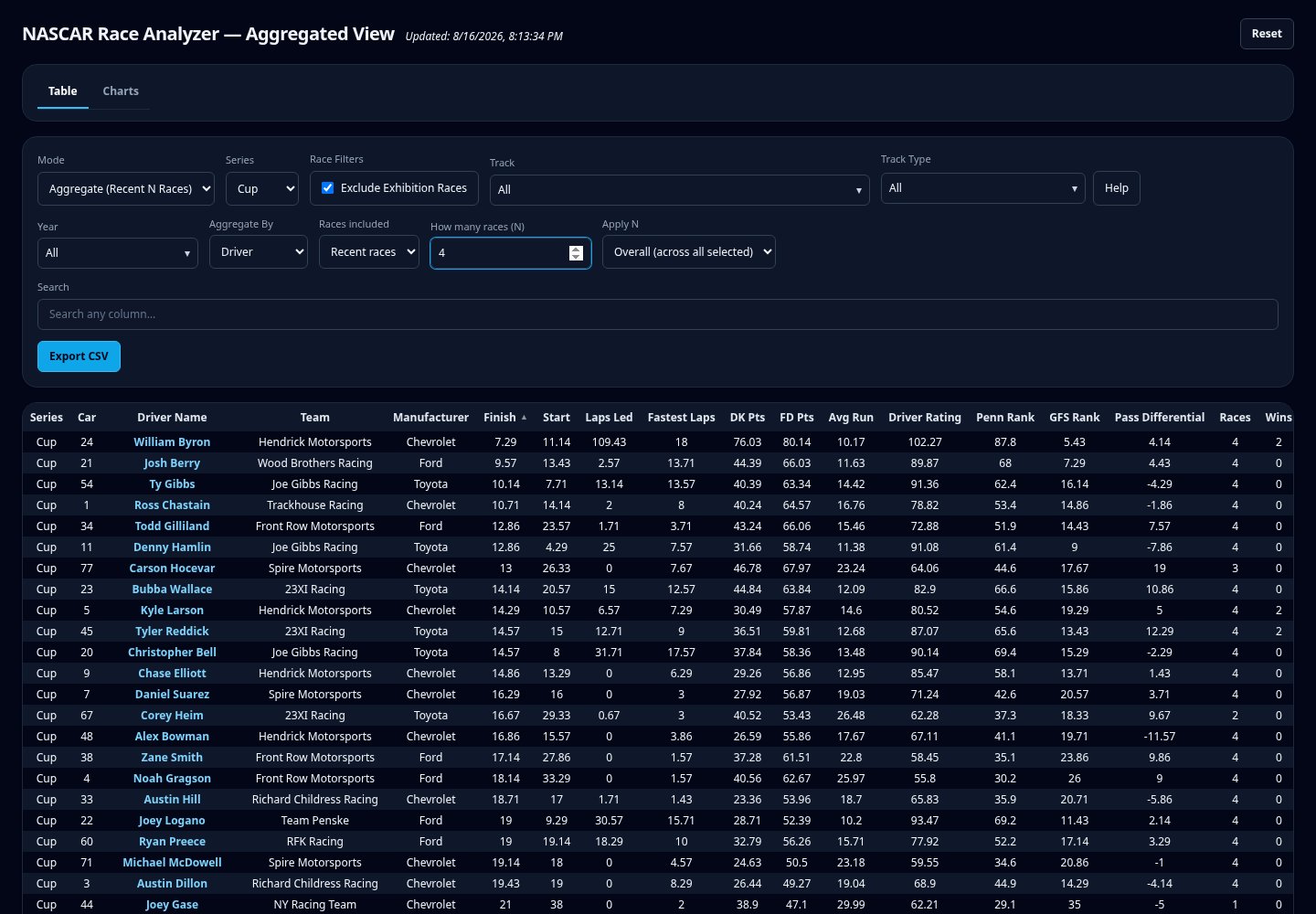
Use Loop Data Explorer to see whether the race is typical of a driver’s recent form. Compare the finding with current projections, starting position and salary. If you adjust a projection or exposure, write down the reason and keep an unadjusted build for comparison.
Race Hub helps investigate recorded events. It does not establish the probability that the same incident, tire decision or caution pattern will happen again.
Continue with NASCAR
Use the NASCAR tools overview to find the related research and lineup tools, or check the update schedule before starting a new slate.
Related walkthroughs
NASCAR · Research
NASCAR practice: best laps, consecutive runs and stint evidence
Separate a quick lap from sustained speed, inspect the run sample, and compare drivers without mixing different definitions.
NASCAR · Research
Loop Data Explorer: compare speed, results and recent form
Build a comparable race sample, aggregate by driver, car or team, and investigate the results that an average can hide.
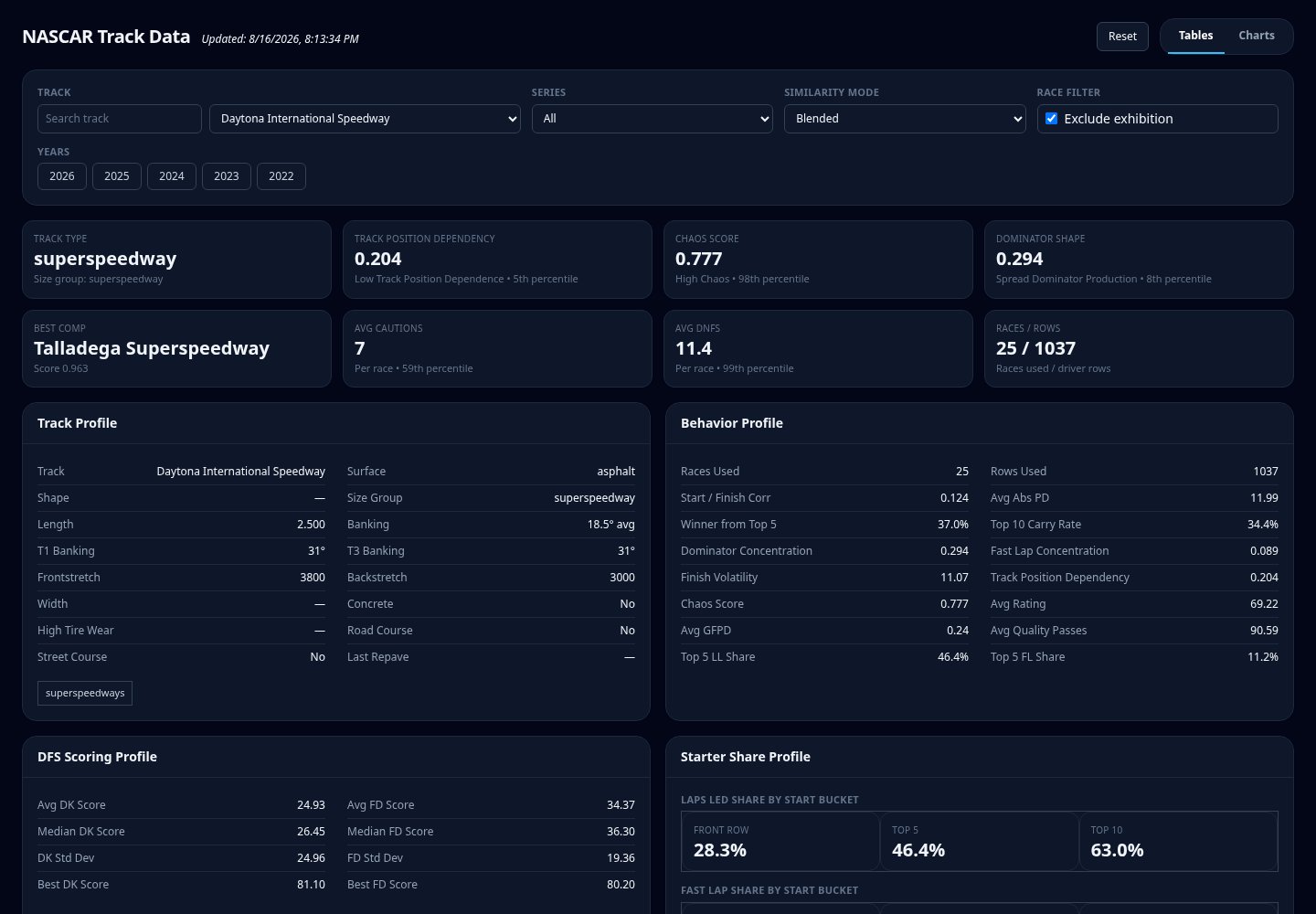
NASCAR · Research
NASCAR Track Data: choose a better comparison sample
Compare track characteristics and historical race behavior before deciding which races belong in your research sample.
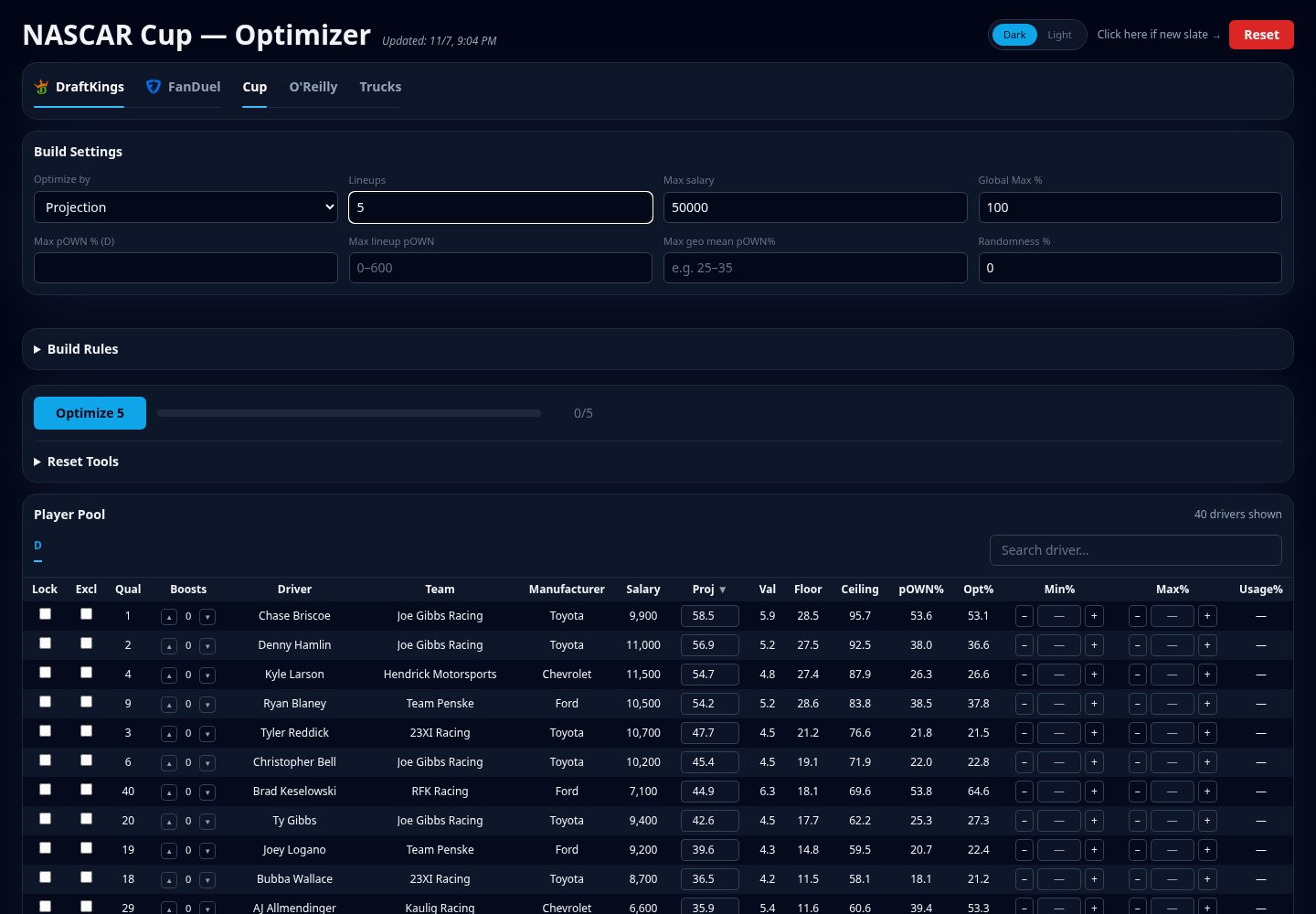
NASCAR · Optimizer
NASCAR optimizer: driver rules, exposure and lineup review
Use the Cup, O’Reilly and Trucks builders to translate race research into driver counts, groups and exposure limits.