Formula 1 · Optimizer guide
F1 optimizer: captain, drivers and constructor choices
Review roster roles, constructor exposure and player groups before exporting Formula 1 lineups.
This guide and its screenshots are public. Tool access depends on your membership. Screenshots show interface examples; data and available slates change.
Check the race and roster roles
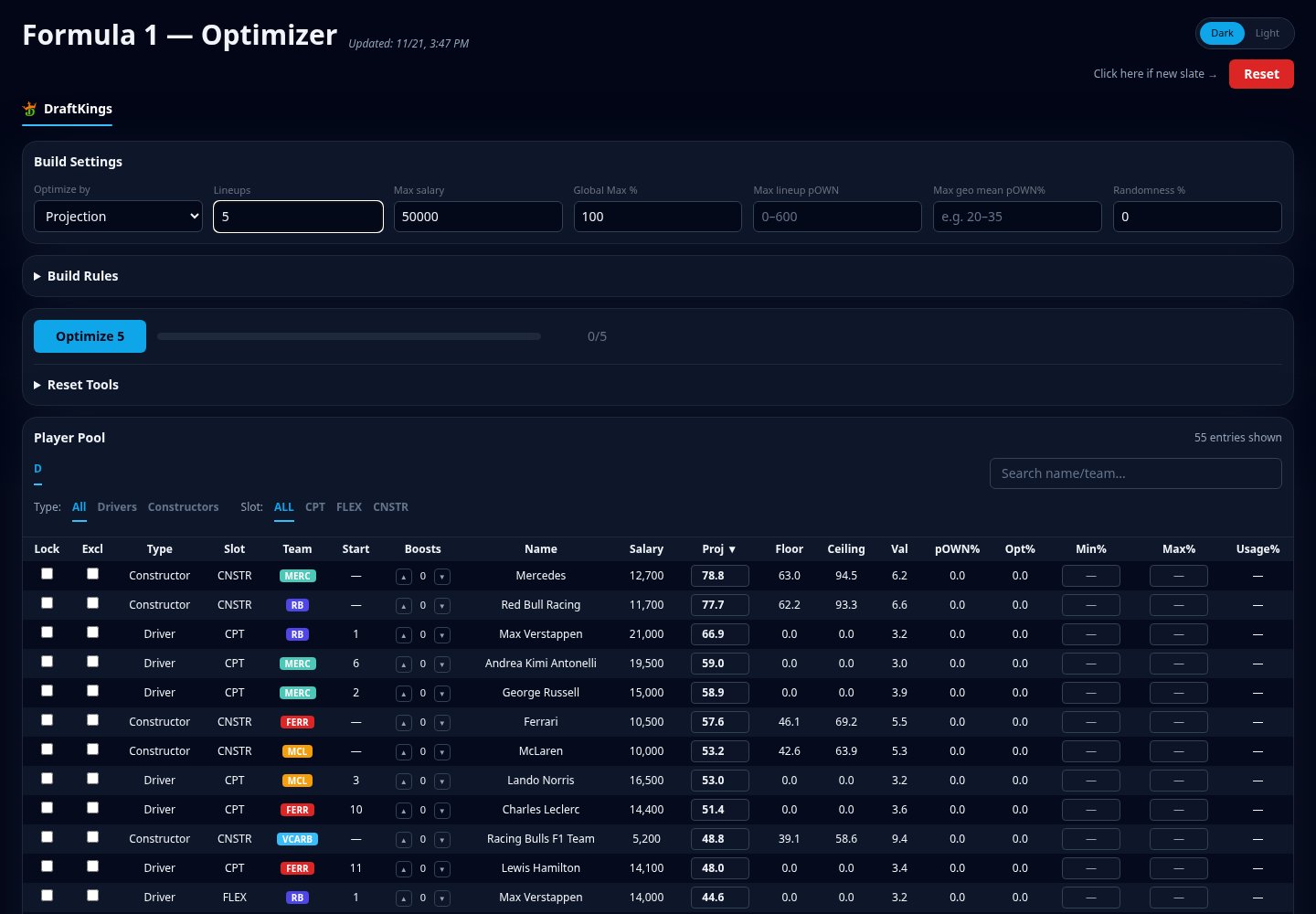
The F1 pool contains drivers and constructors, with captain and flex roles in the builder. Read the roster roles and prices shown on the page before locking a name. The same driver appearing in different roles is not a second distinct driver.
- Review the driver and constructor data update and current race pool.
- Set Lineups to 5, Optimize by to Projection and Randomness % to 0 for the first check.
- Build and inspect the captain slot, remaining drivers, constructor and salary. Check who is repeated before increasing the count.
Express a team idea with Player Groups
Player Groups support At Most, At Least and Exactly. Select the relevant entries deliberately: a constructor entry and a driver entry are different roster assets even when they share a team.
If your idea depends on both drivers from a team having strong races, first check the individual projections and the constructor row. Then use a group only if you want the lineup requirement. A projection preference and an Exactly rule have very different effects. Avoid overlapping groups that leave no legal captain, driver or constructor combination.
Know what you asked the solver to maximize
Projection, Floor, Ceiling, pOWN% and Opt% use different supplied inputs. Maximizing pOWN% is not an instruction to find low-owned drivers. If your concern is overall ownership, inspect the Max lineup pOWN and Max geo mean pOWN% limits instead.
A driver or constructor with missing ownership or optimal data should not be treated as a verified zero-owned opportunity. Check the projections page and the update time before making a rule depend on that field.
Inspect roles and constructor concentration
Review the captain selections separately from flex driver usage. Check how often one constructor appears across the build. Even when your driver exposure looks balanced, repeated constructor choices can make the set depend on the same team outcome.
For 20 lineups, a 50% maximum permits up to 10 appearances under the relevant exposure count. Check the displayed counts and role labels to confirm that a cap is acting on the selection you intended. Do this with a small build before imposing several role-specific assumptions.
Before exporting
- Confirm the intended race and current driver/constructor pool.
- Check every lineup has the required roster roles and fits the salary cap.
- Review captain usage, driver exposure, constructor exposure and repeated combinations.
- Check locks and Player Groups for rules left over from an earlier idea.
- Use the site-ready export for upload and inspect the detailed file separately.
Continue with Formula 1
Use the Formula 1 tools overview to find the related research and lineup tools, or check the update schedule before starting a new slate.
Related walkthroughs
NASCAR · Optimizer
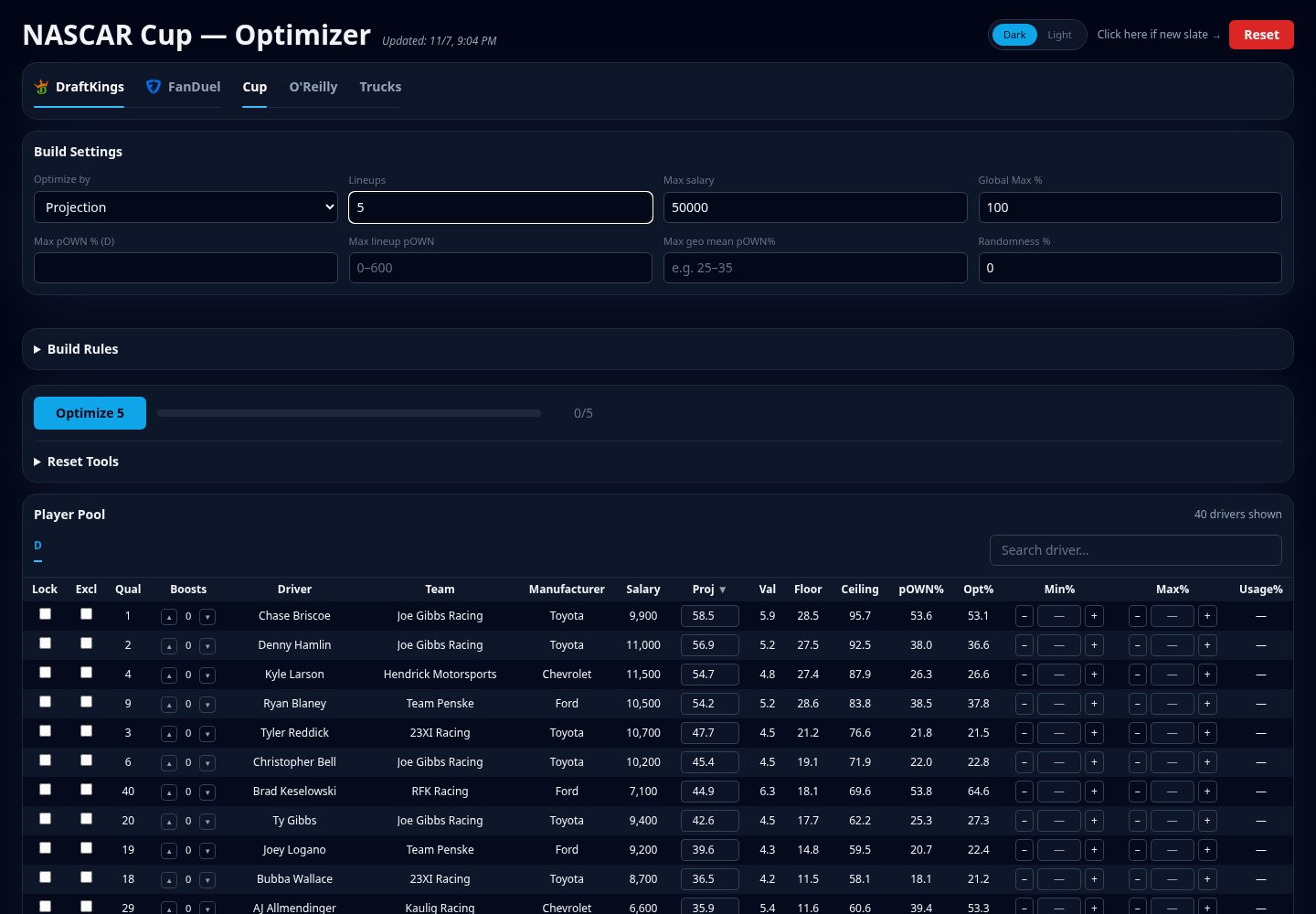
NASCAR optimizer: driver rules, exposure and lineup review
Use the Cup, O’Reilly and Trucks builders to translate race research into driver counts, groups and exposure limits.
NASCAR · Research
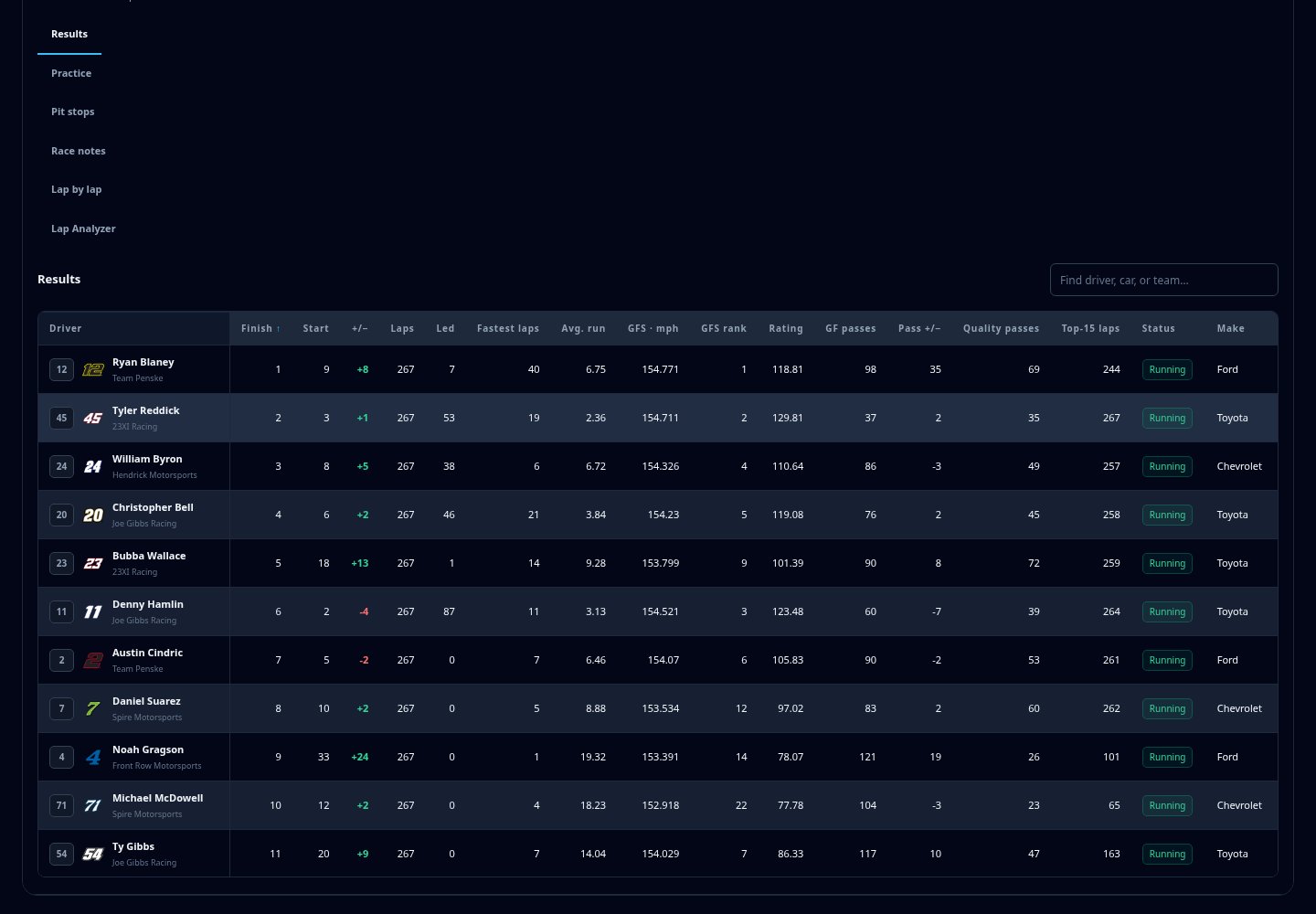
NASCAR research workflow: from track context to lineup review
Use the research pages together so a driver ranking has a reason behind it and a lineup rule has a clear purpose.