NASCAR · Research guide
NASCAR research workflow: from track context to lineup review
Use the research pages together so a driver ranking has a reason behind it and a lineup rule has a clear purpose.
This guide and its screenshots are public. Tool access depends on your membership. Screenshots show interface examples; data and available slates change.
Start with the race question
You do not need every page for every decision. Pick the question first: which tracks are comparable, who has shown speed, why did a driver finish poorly, or how concentrated is your lineup set?
| Question | Start here | Then check |
|---|---|---|
| Which races are relevant? | Track Data | Loop Data Explorer filters and era. |
| Who ran well over those races? | Loop Data Explorer | Race count, running position and race logs. |
| What happened in one race? | Race Hub | Results, laps, pits and notes together. |
| Who is quick this weekend? | Practice Data / Race Hub practice | Session, run length, coverage and current projections. |
| What do modeled outcomes look like? | Race Simulations / Range of Outcomes | Distribution and scoring assumptions. |
| How should I build a set? | Optimizer / Lineup Lab | Exposures, pairs and contest simulation. |
| What did the actual field enter? | Contest Dashboard | Contest size, entry limits and duplicates. |
1. Choose a track sample
Use Track Data to compare metadata and race behavior. Bring a defensible track set into Loop Data Explorer. Select the series, years and exhibition handling explicitly. Recent N overall and N per track do not select the same sample.
Save the filters with your notes. A driver ranking without its sample is difficult to evaluate or reproduce.
2. Investigate a short driver list
Compare running position, rating, laps led, fastest laps and finish. Open the chronological race log for the drivers whose results differ from their running performance.
Use Race Hub to inspect the relevant race. Check practice, lap evidence, pits and notes before deciding whether the result reflects pace, an incident, strategy or incomplete data. A plausible story needs matching evidence.
3. Add current-week information
Practice Data and the Race Hub practice views help compare current running, when available. Separate best-lap speed from longer averages. Check session, lap coverage and the limitations of driver-relative lap numbering.
Then review current qualifying, salary, ownership and projections. Historical speed can inform a judgment, but the DFS decision also depends on starting position, price and how the field is expected to roster the driver.
4. Use simulations for the question they answer
Race Simulations describes modeled race outcomes. Range of Outcomes helps inspect a driver’s modeled fantasy distribution. Betting Sims concerns the betting outputs shown on that page. None is interchangeable with a contest payout simulation.
The Contest Simulator adds opponents, entries and payouts. Review those settings before reading ROI. A good projected driver can appear in a weak lineup combination; a high-ceiling lineup can be unsuitable for a particular payout structure.
5. Translate the view into a small build
Start with five lineups and change one rule at a time. Driver Groups express lineup counts; exposure limits control usage across the set; Driver Pair Caps control repeated combinations. Use Lineup Lab to inspect individual constructions when you want a closer manual comparison.
Review the generated set before increasing the count. If you change a projection after research, keep a note and compare against an unadjusted build so you can see the consequence.
6. Review the actual contest
Download the standings export and open Contest Dashboard. Compare actual ownership, duplicate combinations and your portfolio with the assumptions you made before the race.
Articles and Cheat Sheets provide another research reference, but keep the original question in view. End the review with a specific adjustment to investigate next time, not a blanket rule based on the lineup that happened to win.
Continue with NASCAR
Use the NASCAR tools overview to find the related research and lineup tools, or check the update schedule before starting a new slate.
Related walkthroughs
NASCAR · Research
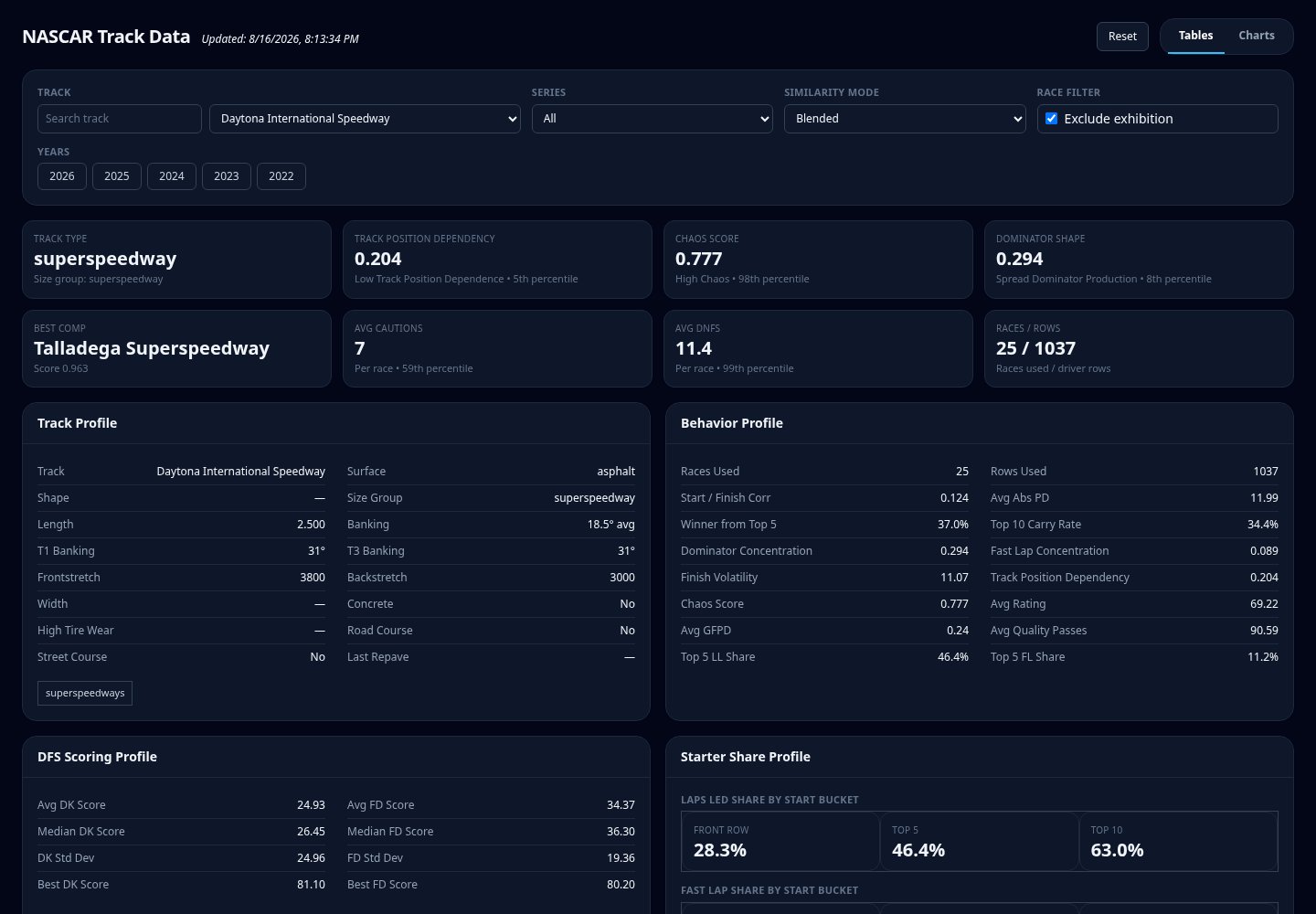
NASCAR Track Data: choose a better comparison sample
Compare track characteristics and historical race behavior before deciding which races belong in your research sample.
NASCAR · Research
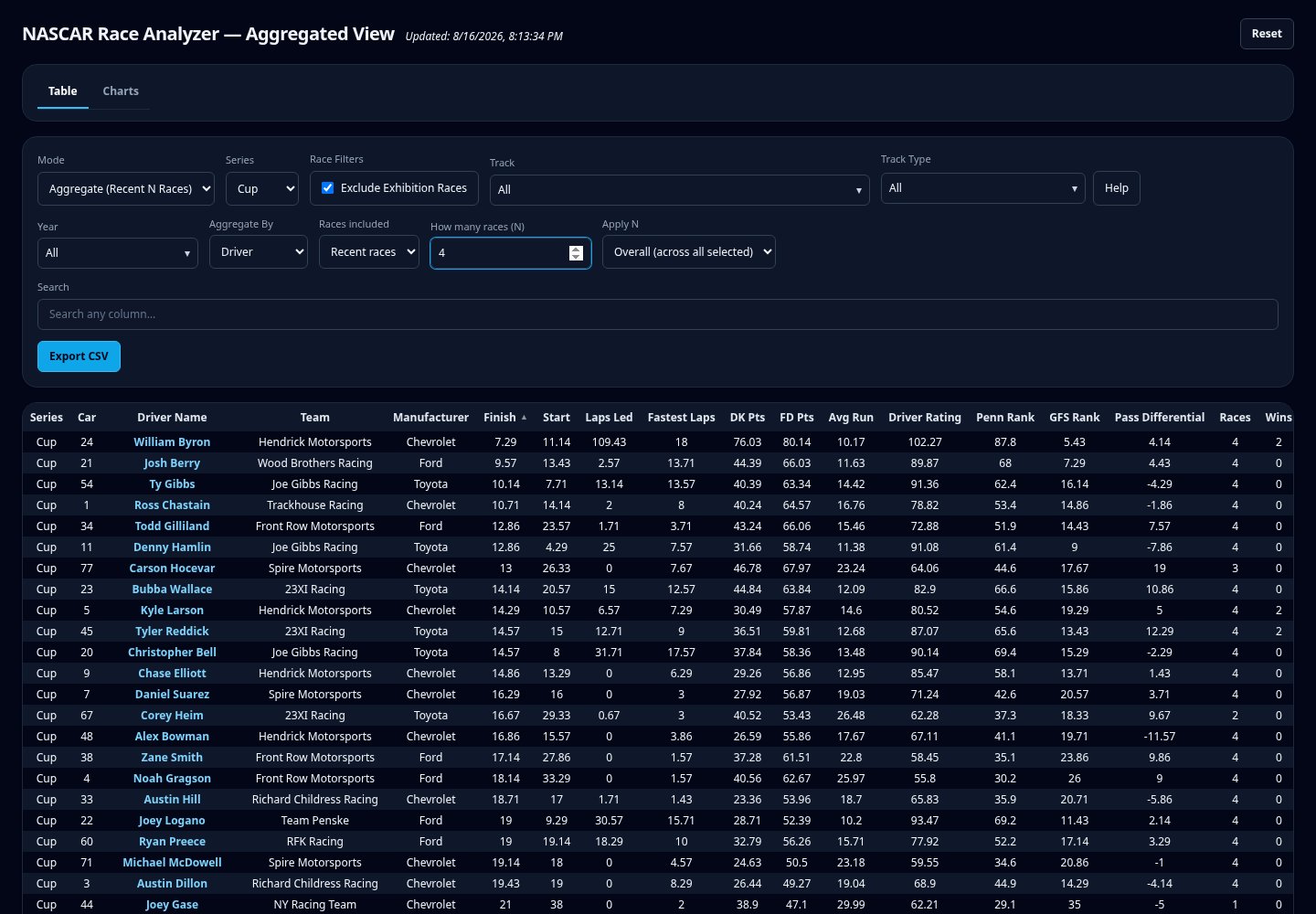
Loop Data Explorer: compare speed, results and recent form
Build a comparable race sample, aggregate by driver, car or team, and investigate the results that an average can hide.
NASCAR · Research
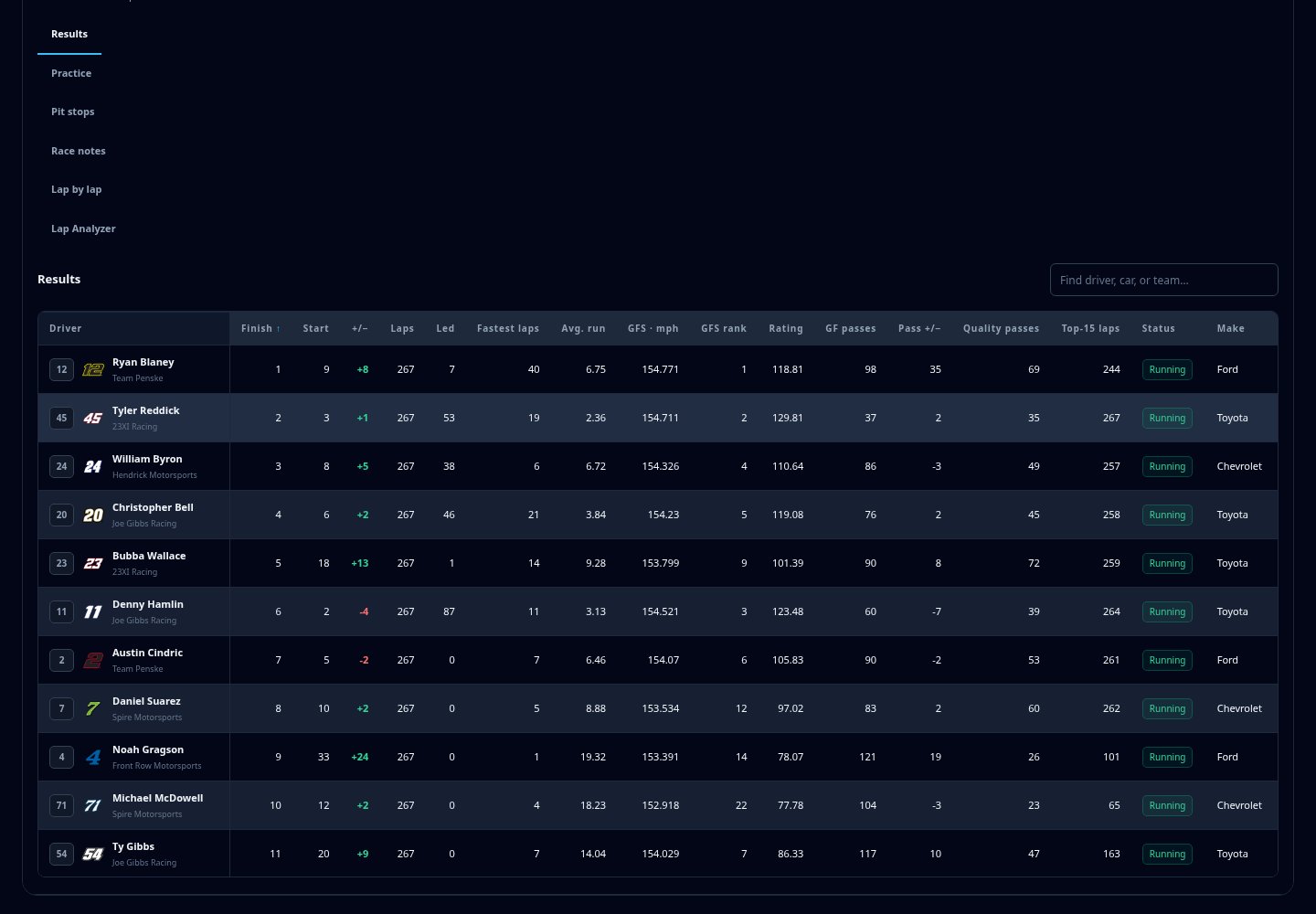
NASCAR Race Hub: investigate a race beyond the finish
Use results, practice, pit stops, race notes and lap analysis to explain what happened before changing a driver assumption.
NASCAR · Research
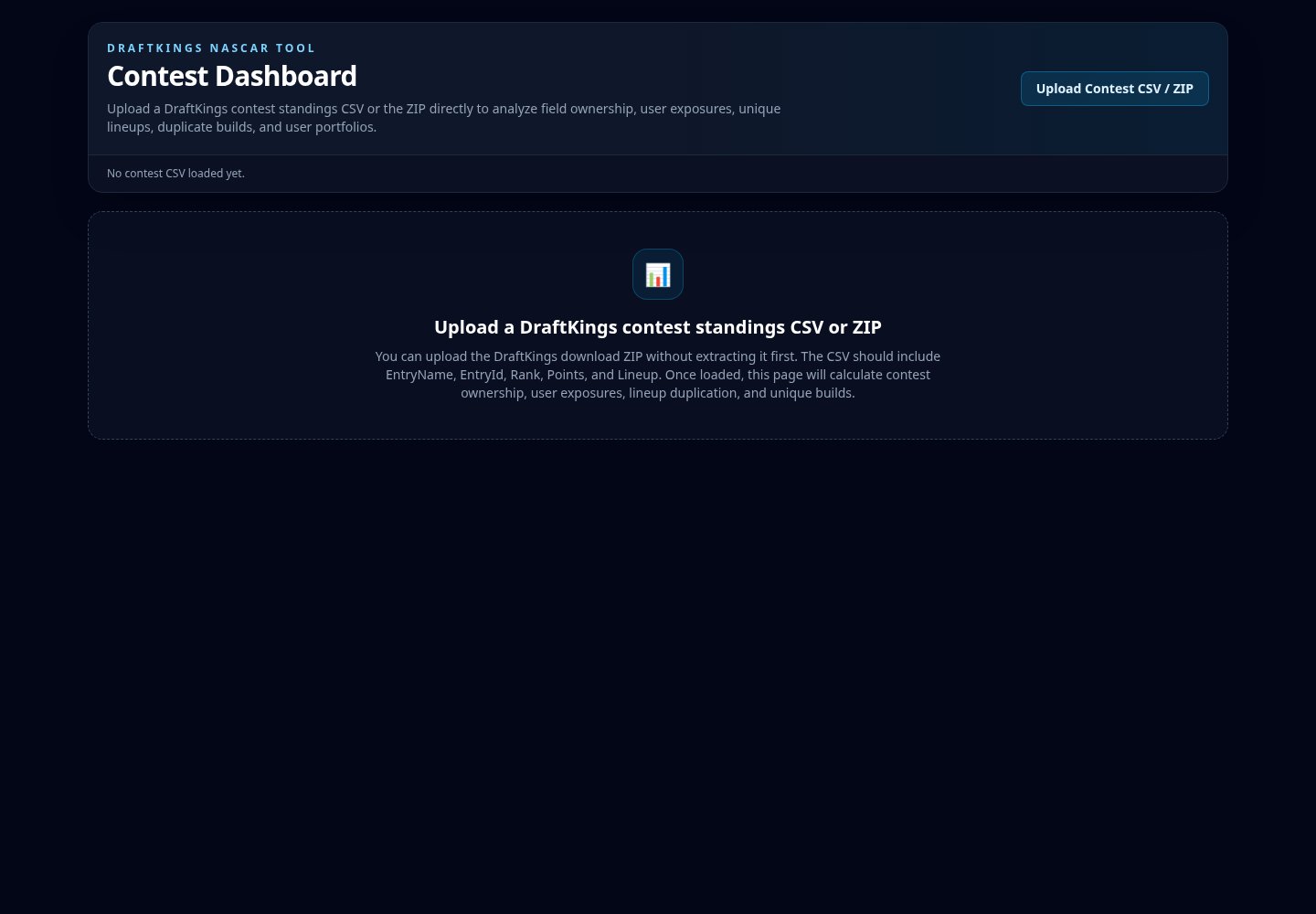
NASCAR Contest Dashboard: ownership, duplicates and user portfolios
Upload a completed DraftKings contest export to study actual entries and repeated lineup combinations.
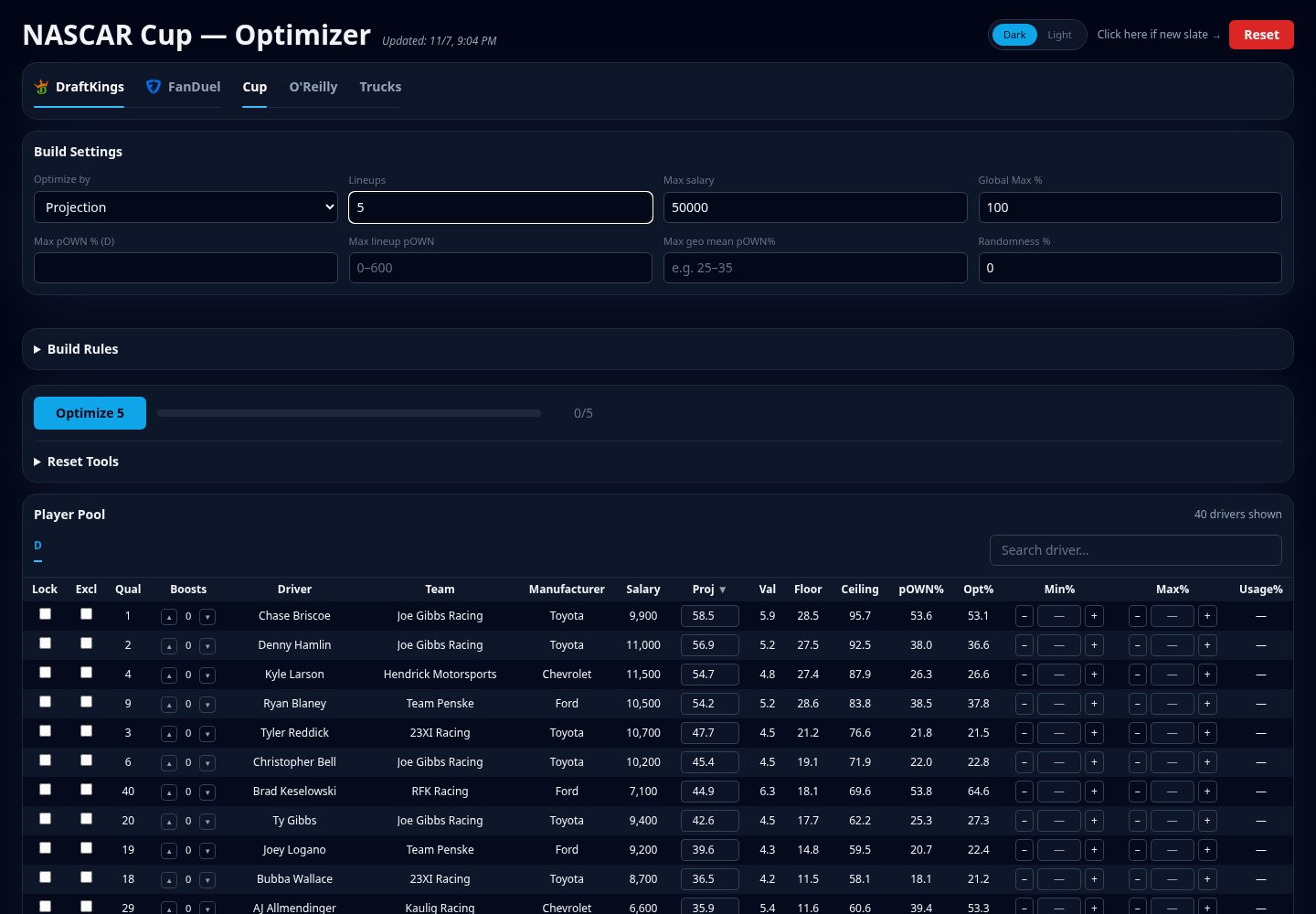
NASCAR · Optimizer
NASCAR optimizer: driver rules, exposure and lineup review
Use the Cup, O’Reilly and Trucks builders to translate race research into driver counts, groups and exposure limits.
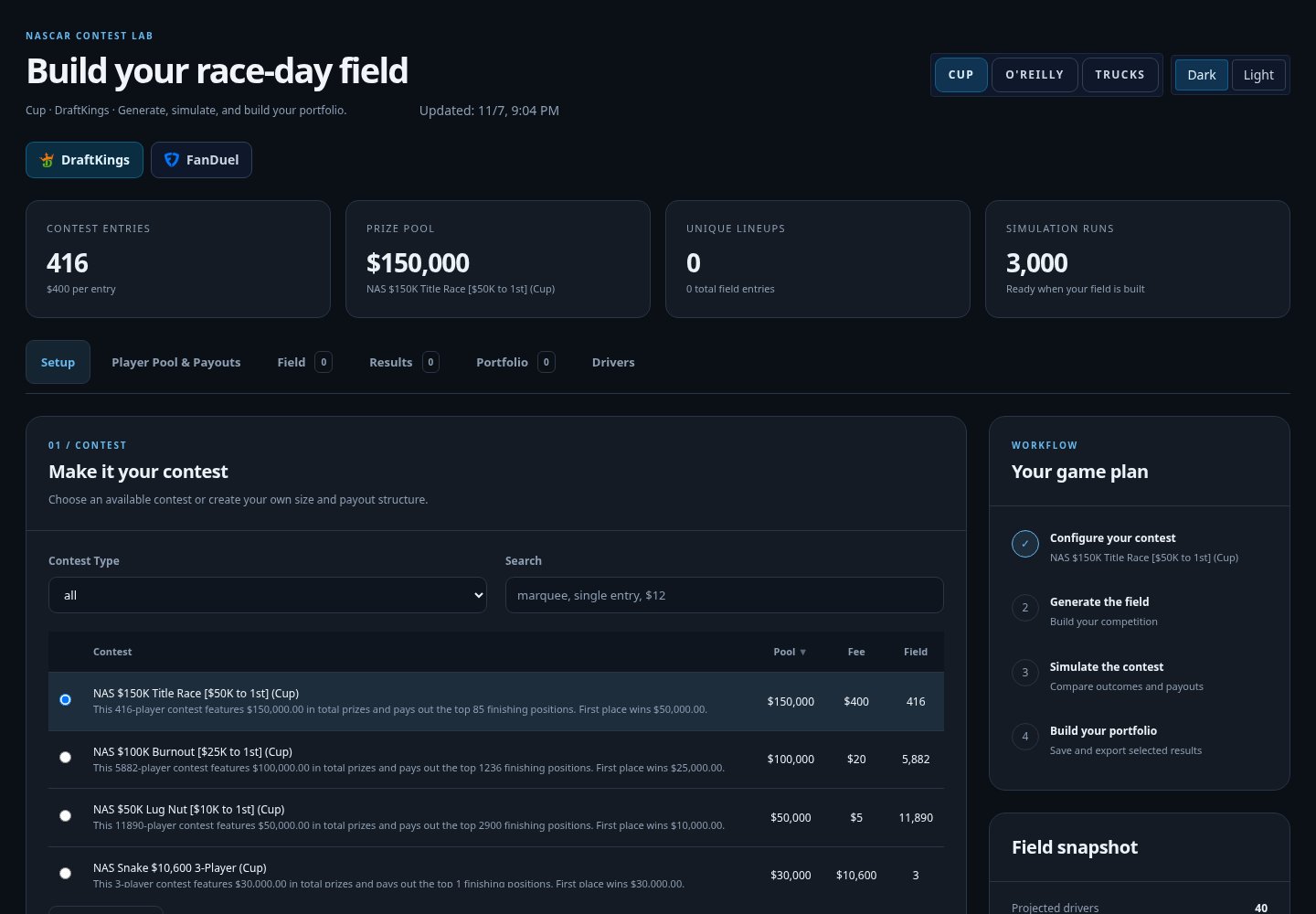
NASCAR · Contest simulator
NASCAR contest simulator: build the field and review a portfolio
Use contest payouts, field assumptions and driver exposure to compare lineup sets for Cup, O’Reilly and Trucks.
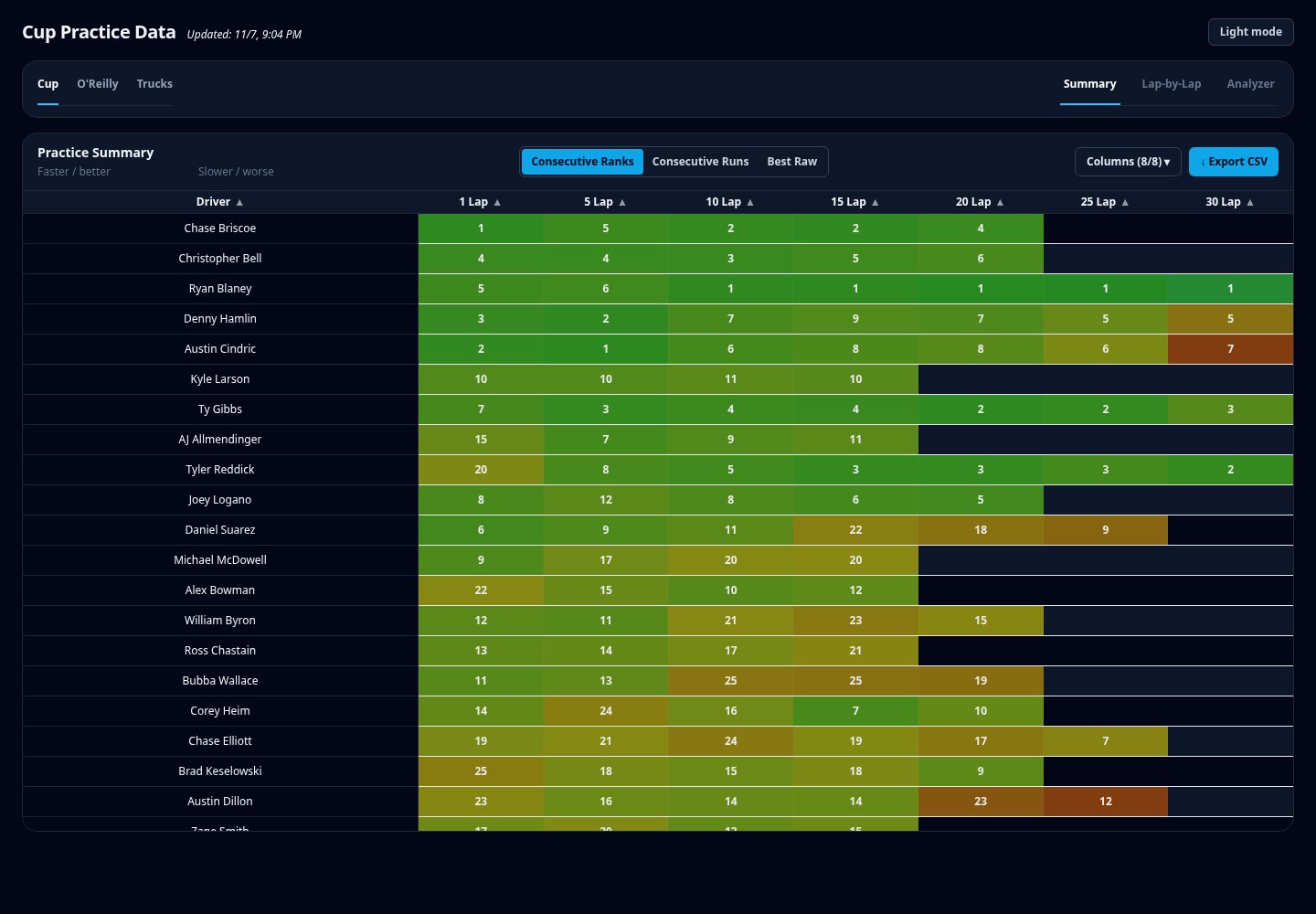
NASCAR · Research
NASCAR practice: best laps, consecutive runs and stint evidence
Separate a quick lap from sustained speed, inspect the run sample, and compare drivers without mixing different definitions.
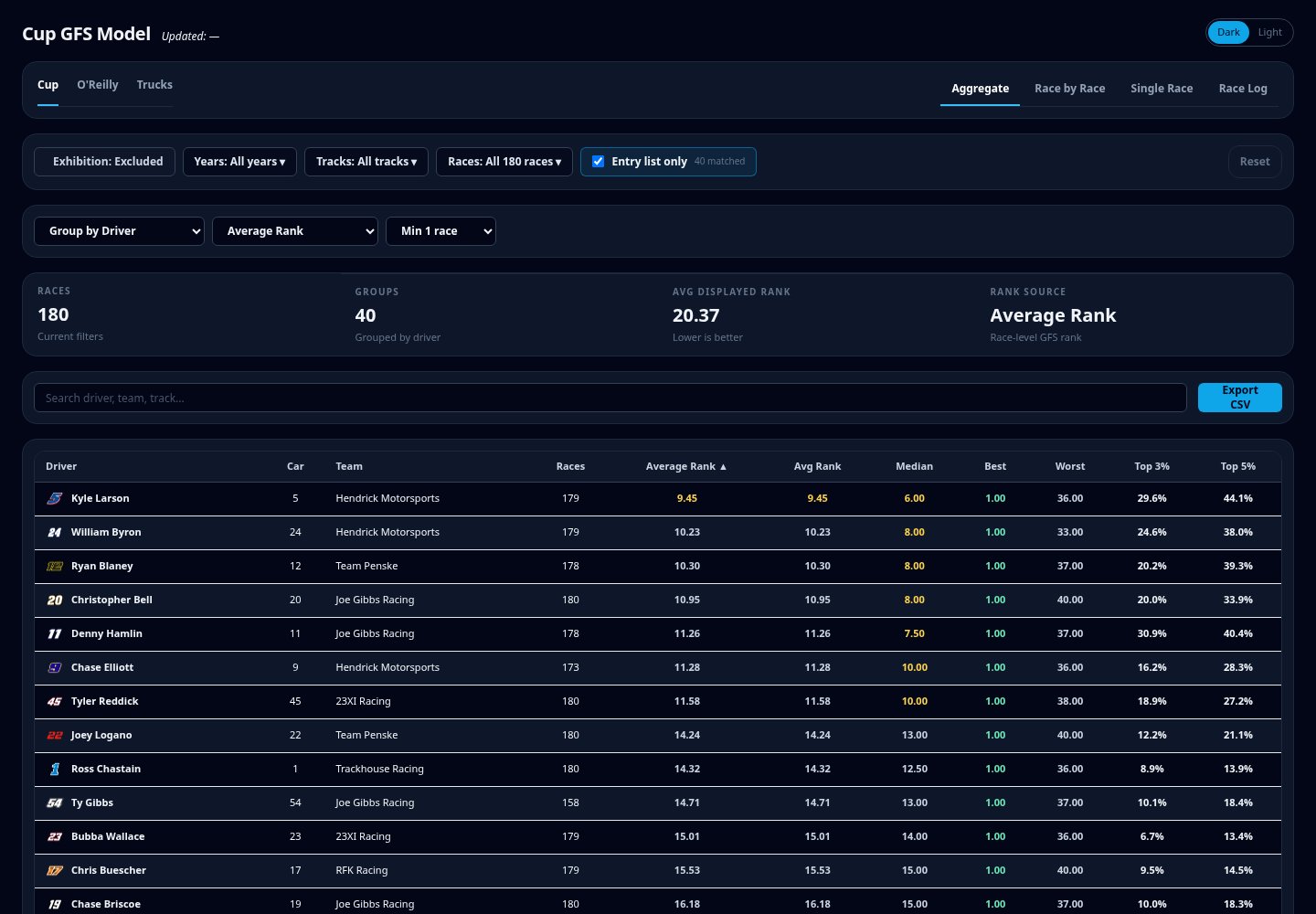
NASCAR · Research
NASCAR GFS research: compare ranks over relevant races
Use green-flag speed ranks across selected races, then check grouping, sample size and whether the conclusion survives a different summary.
NASCAR · Research
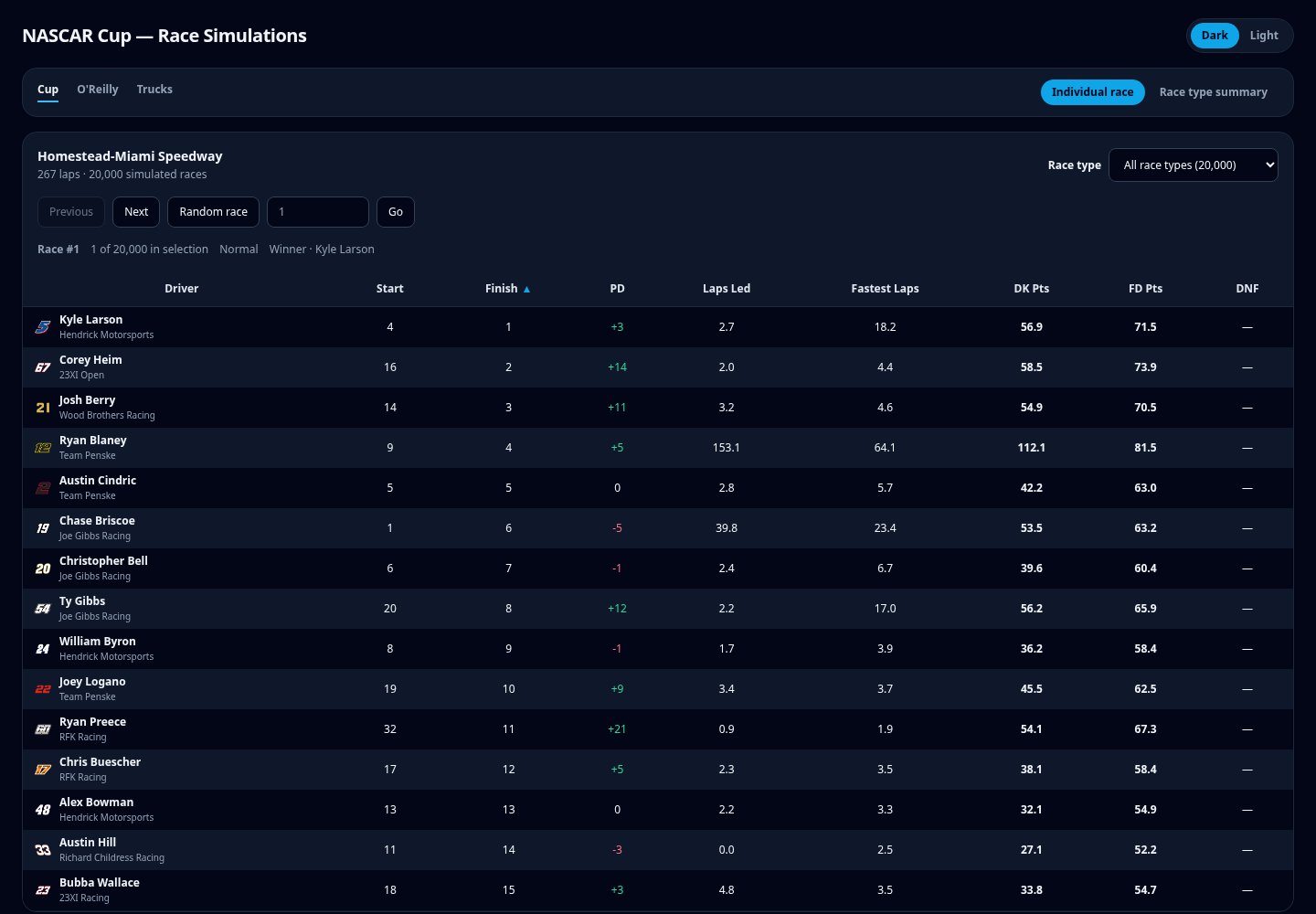
NASCAR Race Simulations: individual races and summary outcomes
Inspect modeled race scripts, compare averages with medians, and separate a race outcome from a contest-return estimate.