MLB · Optimizer guide
MLB DFS optimizer: stacks, pitchers and late swap
Set hitter stack shapes, control pitcher conflicts, and check team exposure before exporting DraftKings or FanDuel lineups.
This guide and its screenshots are public. Tool access depends on your membership. Screenshots show interface examples; data and available slates change.
Make a small build before adding restrictions
Choose the site and slate first. Salaries, eligible positions and player IDs belong to that selection. A player appearing in the projection table does not establish that they are eligible for every slate.
- Set Lineups to 5, Optimize by to Projection and Randomness % to 0 for the first check. Leave optional ownership limits blank.
- Check the player pool for missing projections, scratched hitters and the expected batting order. Exclude a player you do not want used; a search only changes which rows you see.
- Build once and check roster eligibility, salary and the returned lineup count. Then introduce stack or exposure rules one at a time.
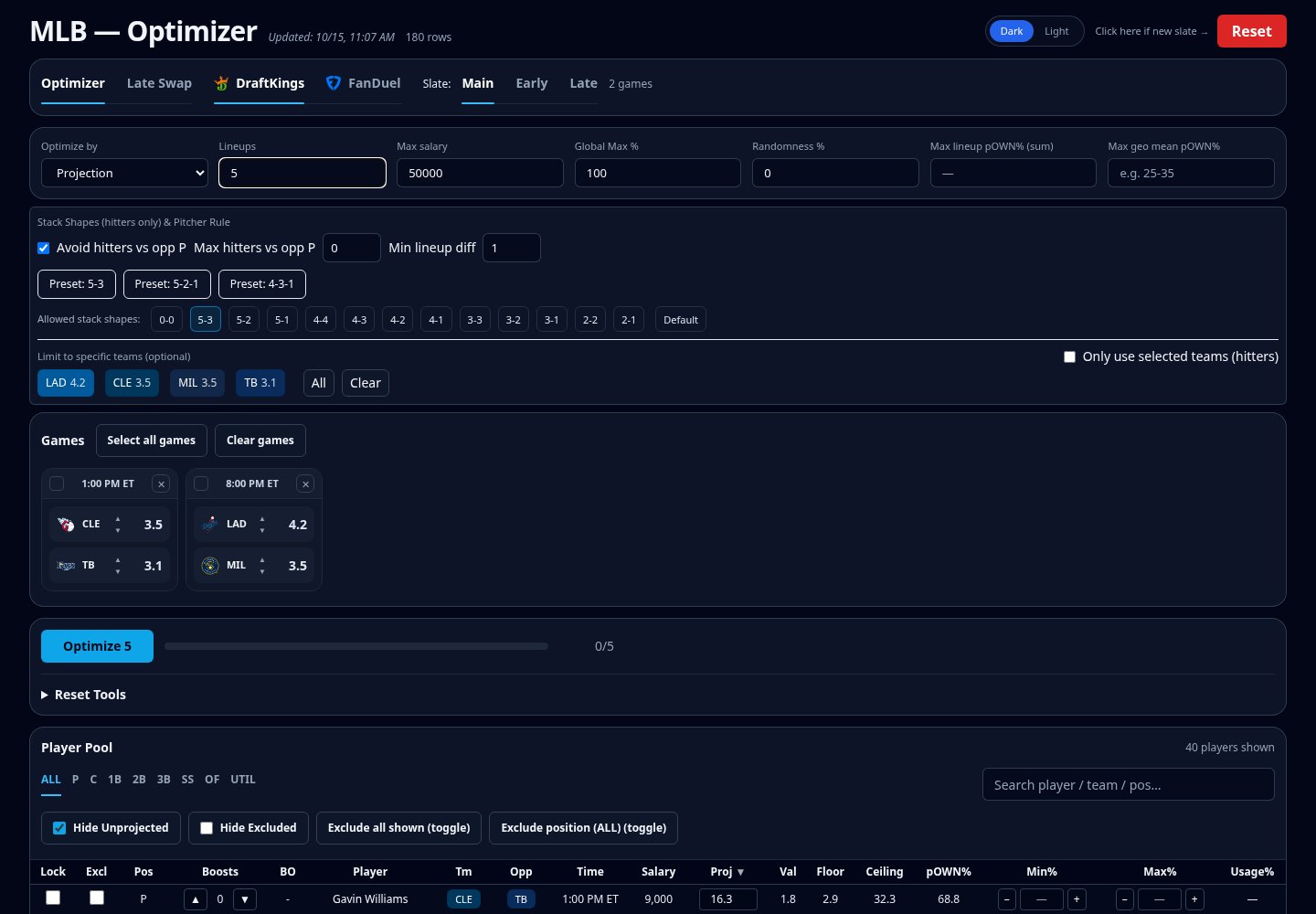
Choose a hitter stack shape
The stack controls count hitters. Pitchers do not fill the hitter stacks. A DK 5–3 shape uses five hitters from one team and three from another. A 5–2–1 build leaves one hitter outside the two main stacks. FanDuel limits the largest team stack to four in these controls.
Selecting multiple allowed shapes gives the builder choices across the build; it does not request an equal number of each shape. Use the team exposure and resulting stack analysis to see what it actually used.
| Question | Setting to start with | Check afterward |
|---|---|---|
| Two concentrated DK offenses? | Preset: 5-3 | Five hitters and three hitters; pitchers counted separately. |
| Leave one hitter outside the main DK stacks? | Preset: 5-2-1 | The final hitter and its team. |
| Use FD team stacks? | Choose an FD shape such as 4-4 | Site, hitter eligibility and max four from a team. |
| Restrict hitter teams? | Only use selected teams (hitters) | Enough eligible hitters remain at every position. |
Decide whether hitters can face your pitcher
Avoid hitters vs opp P and Max hitters vs opp P deal with opposing hitters, not your pitcher’s own teammates. For a first tournament build, inspect the restriction rather than assuming it is on.
If you permit an opposing hitter, review the resulting lineups deliberately. Restricting the pool, requiring large stacks and limiting pitcher opponents can make a small slate infeasible. When a build stops early, relax one of those restrictions and retry a small batch.
Review teams as well as players
Global Max % limits individual usage across the build. The stack team controls let you manage how often a team appears as a stack. Those are different counts: a one-off hitter can appear without that team being the primary stack.
In 20 lineups, a player maximum of 50% allows up to 10 appearances. It does not promise 10. Also check whether the same pitcher pair or team combination appears repeatedly even when each individual is below the cap. Min lineup diff can require player changes, but it does not by itself diversify team stacks.
Treat late swap as a separate review
Before using late swap, confirm the entry file, site and remaining games. Review the page’s lock controls and imported entries before rebuilding. Check that players whose games have started remain in the intended roster slots.
After rebuilding, export the appropriate site file and compare the entry IDs and roster slots with the upload template. An optimizer CSV downloaded to your computer does not update your entries on the contest site.
Before exporting
- Check the requested versus returned lineup count and any stop message.
- Review pitcher usage, hitter team exposure, stack shapes and hitters facing your pitchers.
- Verify batting-order news and weather separately. A good stack rule does not make an unconfirmed starter safe.
- Use the site-ID export for entry upload; use the detailed export for inspection. Confirm the slate and selected build again.
Continue with MLB
Use the MLB tools overview to find the related research and lineup tools, or check the update schedule before starting a new slate.
Related walkthroughs
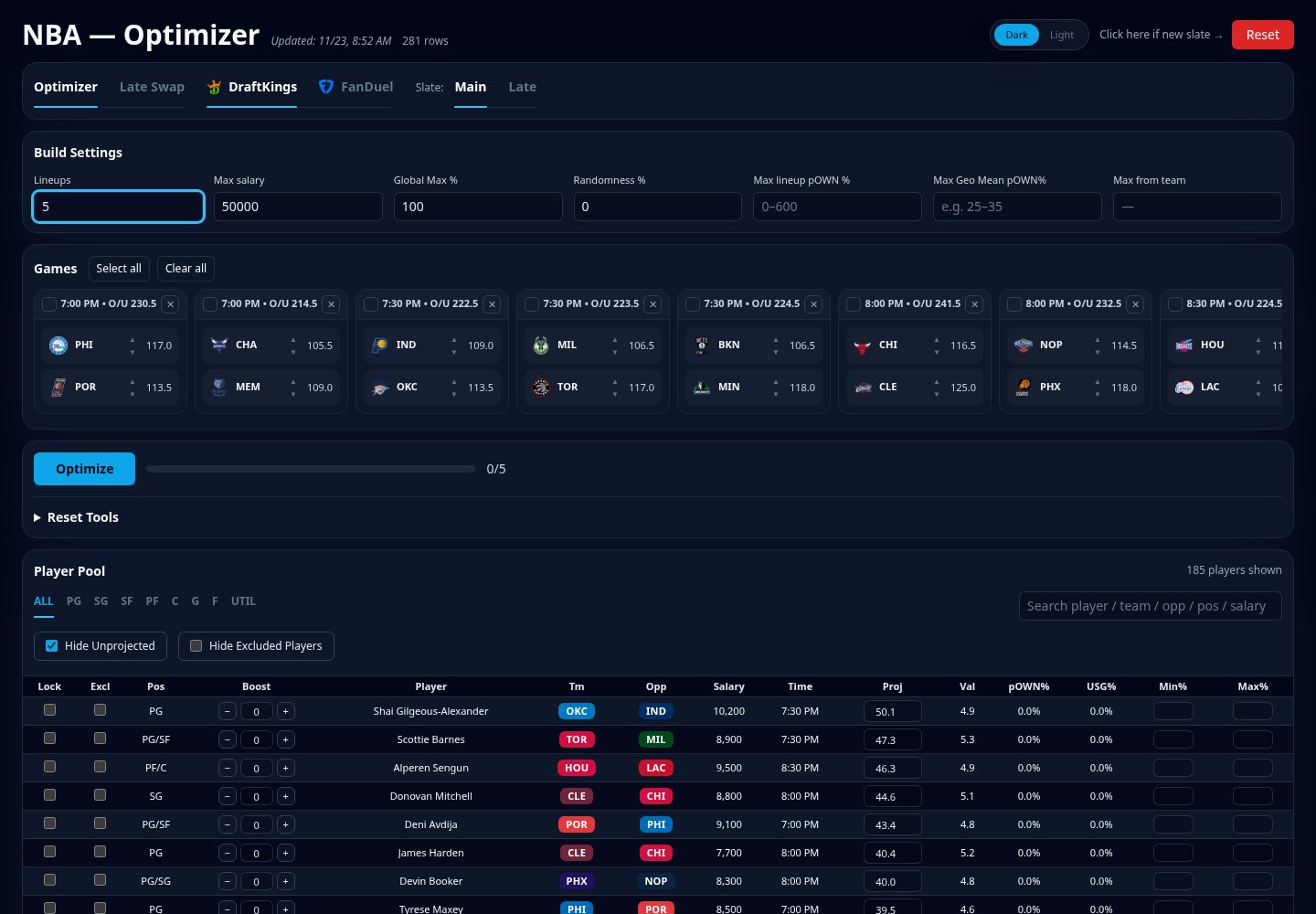
NBA · Optimizer
NBA DFS optimizer: player pools, exposure and late swap
Build a small set, check injury and rotation assumptions, and keep one cheap player from quietly dominating every lineup.
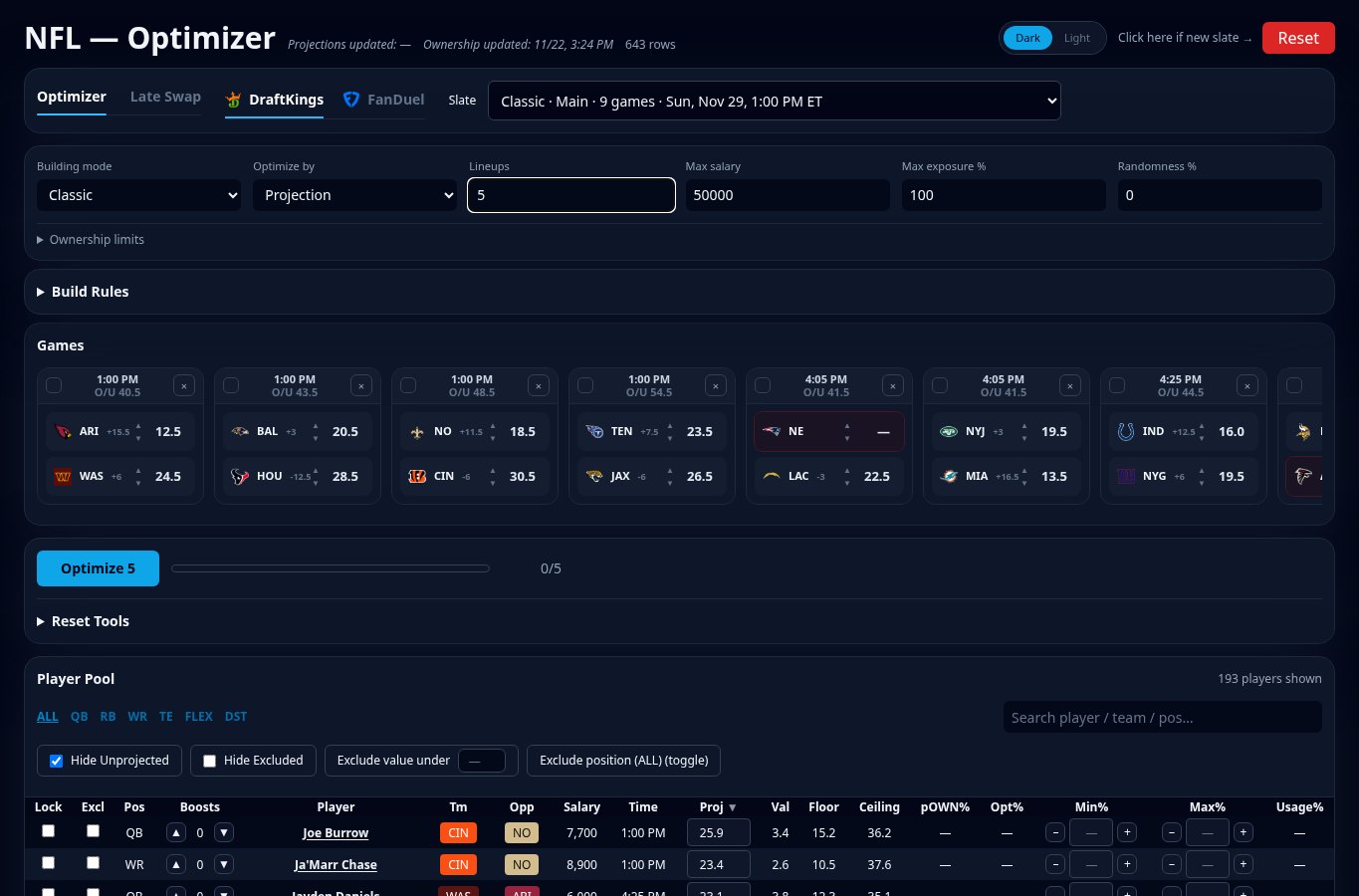
NFL · Optimizer
NFL optimizer: stacks, exposure and correlation
Start with five lineups, set QB stacks and bring-back limits, then review exposure and export the right site file.