NBA · Optimizer guide
NBA DFS optimizer: player pools, exposure and late swap
Build a small set, check injury and rotation assumptions, and keep one cheap player from quietly dominating every lineup.
This guide and its screenshots are public. Tool access depends on your membership. Screenshots show interface examples; data and available slates change.
Start with the current slate and pool
Select DraftKings or FanDuel, then Main or Late as appropriate. Check the update time and the players with eligible salaries and positions. A missing position or salary can keep a projected player out of the build.
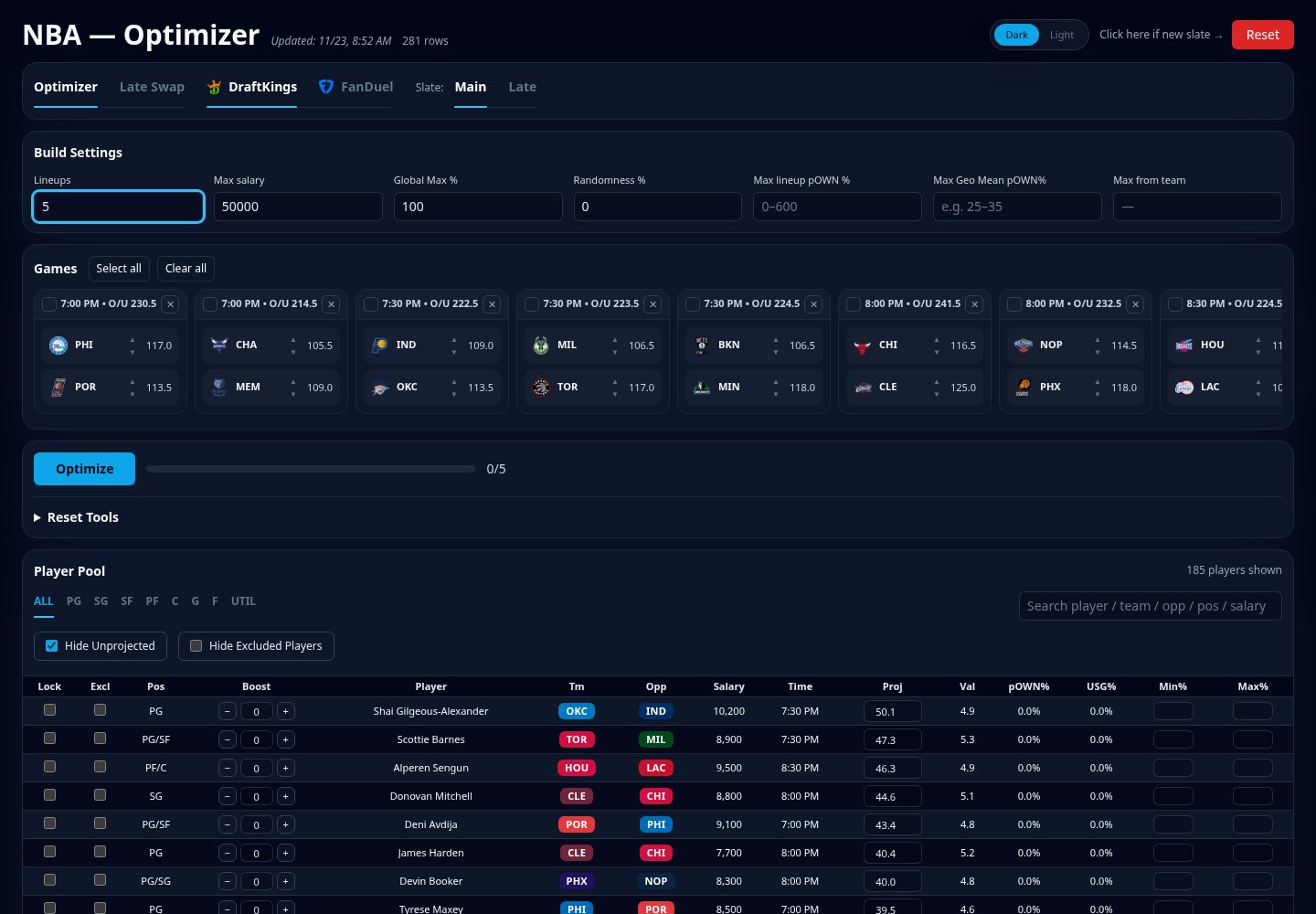
- Set Lineups to 5 and Randomness % to 0 to check the base output. Leave optional ownership limits blank initially.
- Review players whose minutes depend on injury news. Exclude players you will not use and check any existing locks.
- Build and inspect the lineups before expanding the count. If the same value player appears everywhere, decide on an exposure limit before creating the larger set.
Use the limit that answers your concern
Global Max % limits a player’s share of the build. Max from team limits players from one team inside each lineup. Max lineup pOWN % limits the sum of projected ownership, while Max Geo Mean pOWN% controls a different summary of those ownership inputs.
| Concern | Control | Meaning |
|---|---|---|
| One player appears too often | Player Max % or Global Max % | Cap appearances across generated lineups. |
| Too many teammates in one lineup | Max from team | Cap that team within each lineup. |
| The lineup is too popular overall | Max lineup pOWN % | Limit the ownership sum; not a uniqueness guarantee. |
| You want more varied builds | Randomness % plus exposure review | Change the scoring inputs, then inspect the result. |
Check the assumption behind a value play
If a bench player projects well because a starter may miss the game, the lineup depends on that assumption. Review the player projections and advanced data before locking that player.
A useful check is to build once with the player available and once with the player excluded, holding the other settings constant. Compare which players and teams replace them. This shows how much the build relies on that value opening; it does not estimate whether the injury news will break your way.
Translate percentages into lineup counts
In a 20-lineup build, a 60% maximum permits up to 12 appearances. A 100% lock removes your flexibility on that player. Before locking multiple inexpensive players, check whether their combined usage makes every lineup depend on the same rotation story.
Review the pairing analysis and lineup cards as well as the exposure table. Two players at moderate individual exposure can still appear together in most of the lineups that use either one. Counts make that concentration easier to see than percentages alone.
Recheck before and after late swap
Select the matching site and entries. Confirm which games have started and which roster slots are locked in the late-swap workflow. Rebuild only after reviewing the remaining eligible pool.
Read the returned lineups rather than assuming a successful solve preserved every intended entry. Check locked players, entry IDs, roster eligibility and the exported file. Uploading the new file on the contest site is a separate action.
A final check that takes a minute
- Returned lineup count matches your plan, or the shortfall has an explanation.
- No outdated locks, unwanted exclusions or missing-position warnings.
- Largest player exposures fit your view of the minutes and injury news.
- The lineup set does not all depend on the same cheap replacement.
- Site, slate, entry IDs and roster slots match the export destination.
Continue with NBA
Use the NBA tools overview to find the related research and lineup tools, or check the update schedule before starting a new slate.
Related walkthroughs
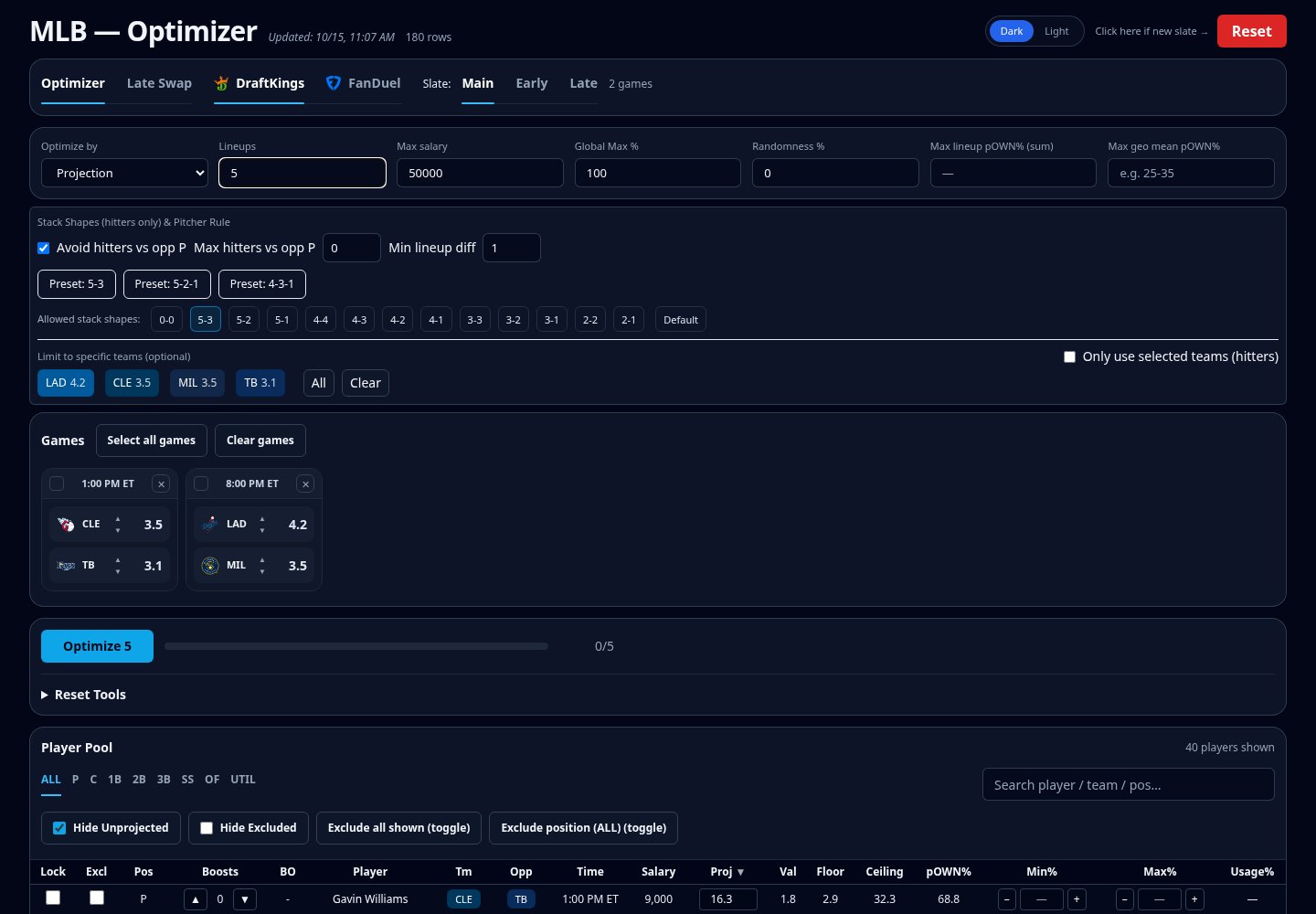
MLB · Optimizer
MLB DFS optimizer: stacks, pitchers and late swap
Set hitter stack shapes, control pitcher conflicts, and check team exposure before exporting DraftKings or FanDuel lineups.
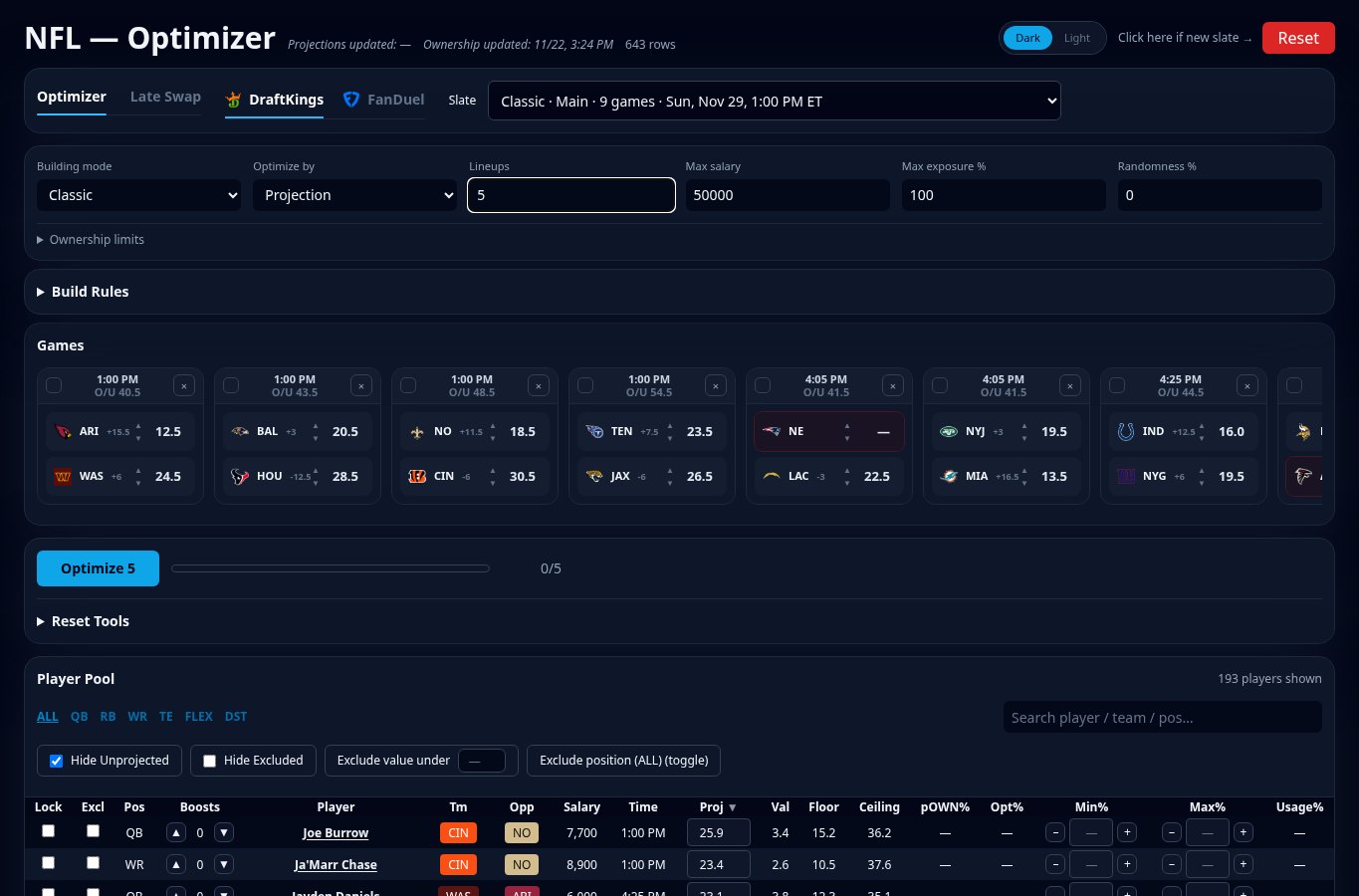
NFL · Optimizer
NFL optimizer: stacks, exposure and correlation
Start with five lineups, set QB stacks and bring-back limits, then review exposure and export the right site file.